I let Claude configure my NAS—here's what it couldn't do alone

Nick's love of tinkering with computers extends beyond work. He has been running video game servers from home for more than 10 years using Windows, Ubuntu, or Raspberry Pi OS. He also uses Proxmox to self-host a variety of services, including a Jellyfin Media Server, an Airsonic music server, a handful of game servers, NextCloud, and two Windows virtual machines.
He enjoys DIY projects, especially if they involve technology. He regularly repairs and repurposes old computers and hardware for whatever new project is at hand. He has designed crossovers for homemade speakers all the way from the basic design to the PCB.
Nick enjoys the outdoors. When he isn't working on a computer or DIY project, he is most likely to be found camping, backpacking, or canoeing.
Normally, I never let AI do anything in my homelab without strict safeguards—I've seen far too many horror stories on the internet to fully trust that an AI won't break something. However, I decided to run a small experiment to see just how much Claude could do if I gave it free access to a Pi with two storage drives attached and sudo access.
It ran for more than an hour and the results were quite impressive.
What does "setting up a NAS" entail?
Claude's goals
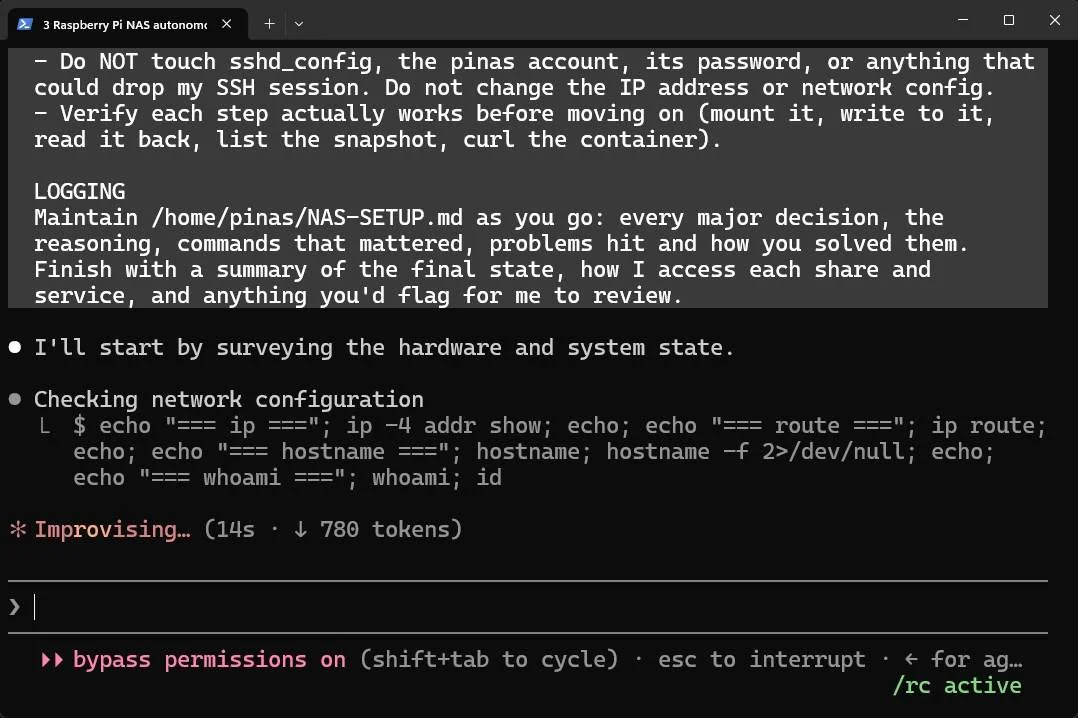
I didn't want Cladue to simply set up a few folders. I wanted it to handle storage pool layout, shares and persmissions, scheduled backups, getting docker running, and a monitoring system.
I specifically requested:
- ZFS pool layout
- Storage needs to be available on the network
- Create the necessary users and groups
- Set up scheduled snapshots
- Deploy a handful of Docker containers (It got to choose)
- Configure system alerts
I also told it to log any credentials it creates so I can access them later.
What I gave Claude
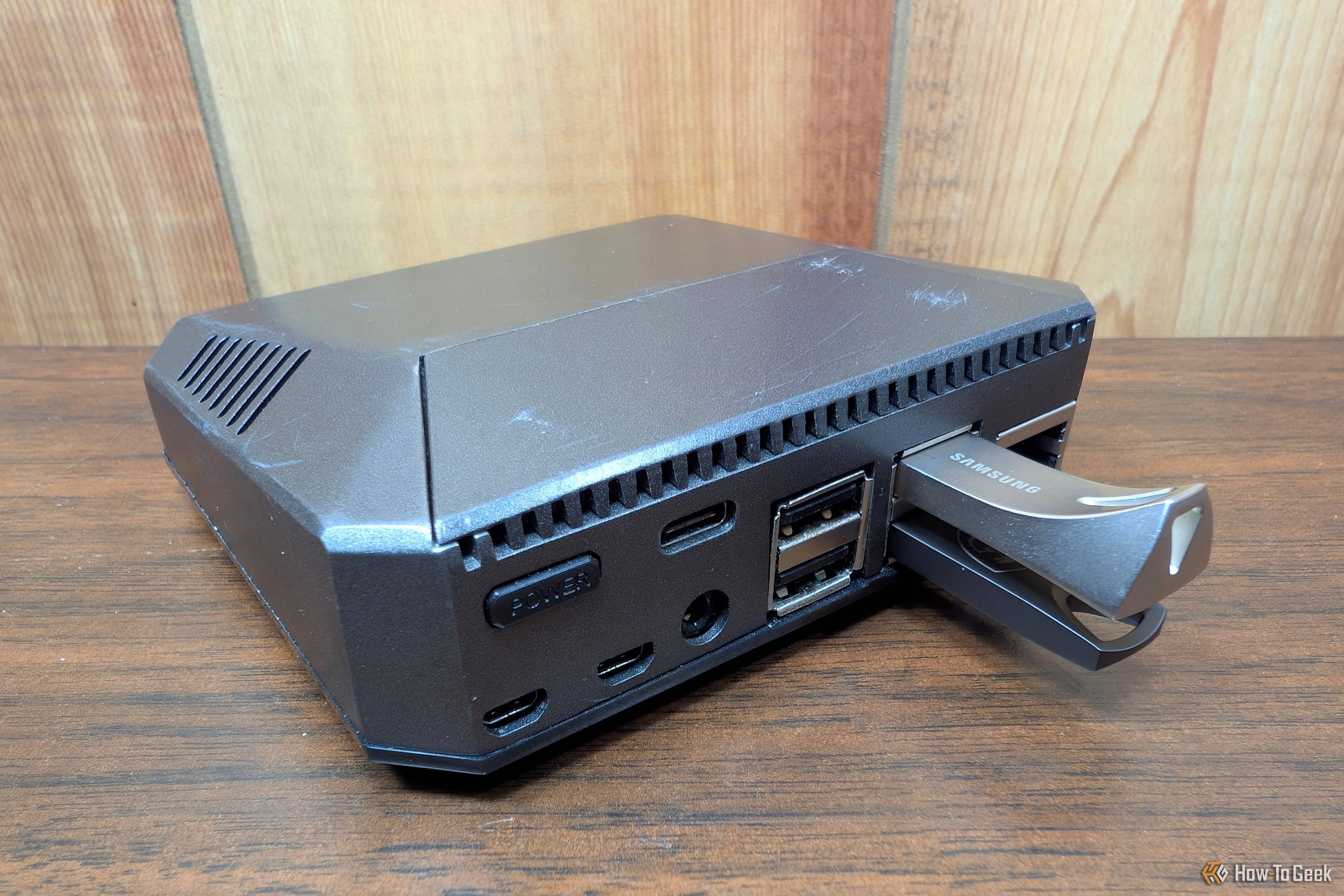
The setup is pretty straightforward. I connected Claude Code to a Linux box (Raspberry Pi OS) and told it what I wanted to do. I provided it with sudo access just to be extra dangerous, but specifically told it to avoid destructive commands, dry run everything before it commits to a course of action, and it needed to maintain a setup log. The physical hardware was a Pi with two mismatched USB drives attached—I wanted to see how it handled the wrinkles without human intervention.
In theory, Claude should be able to handle the project pretty well. Nothing is exotic, and the solutions are well documented on the web, but the specific circumstances I handed it were not ideal. A Pi isn't really designed to be a NAS, USB drives are famously unreliable for NAS storage, and Raspberry Pi OS isn't really a NAS OS.
I also didn't give it any credentials for my cloud accounts; I'll enter those on my own later.
What Claude handled well
Software was not a problem


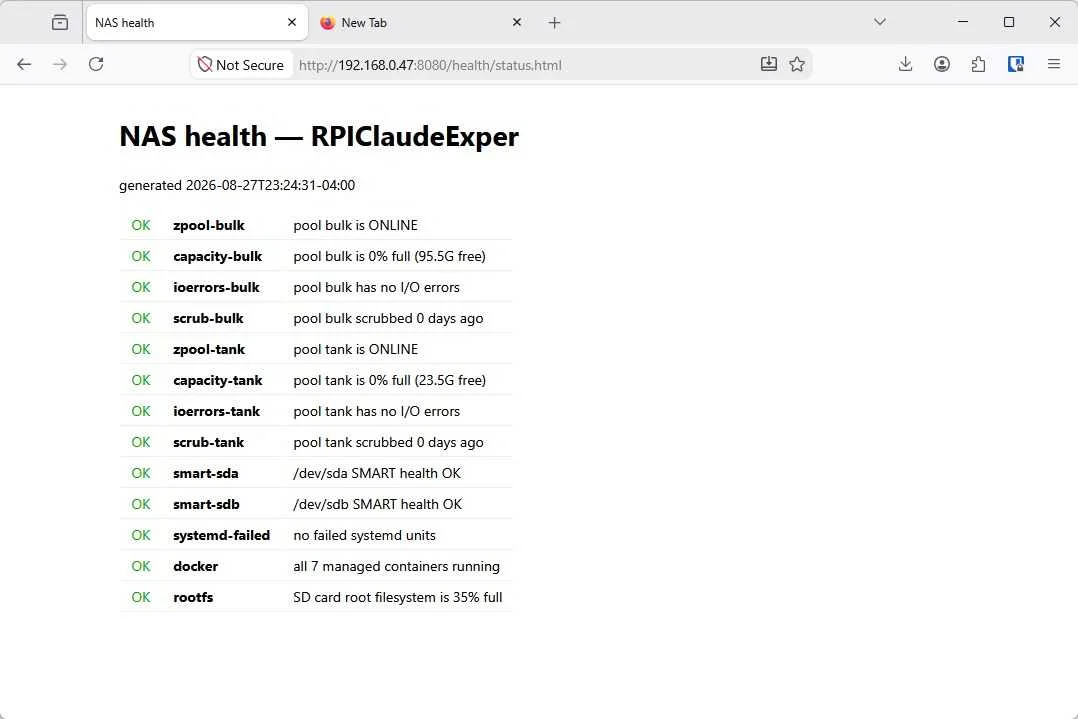
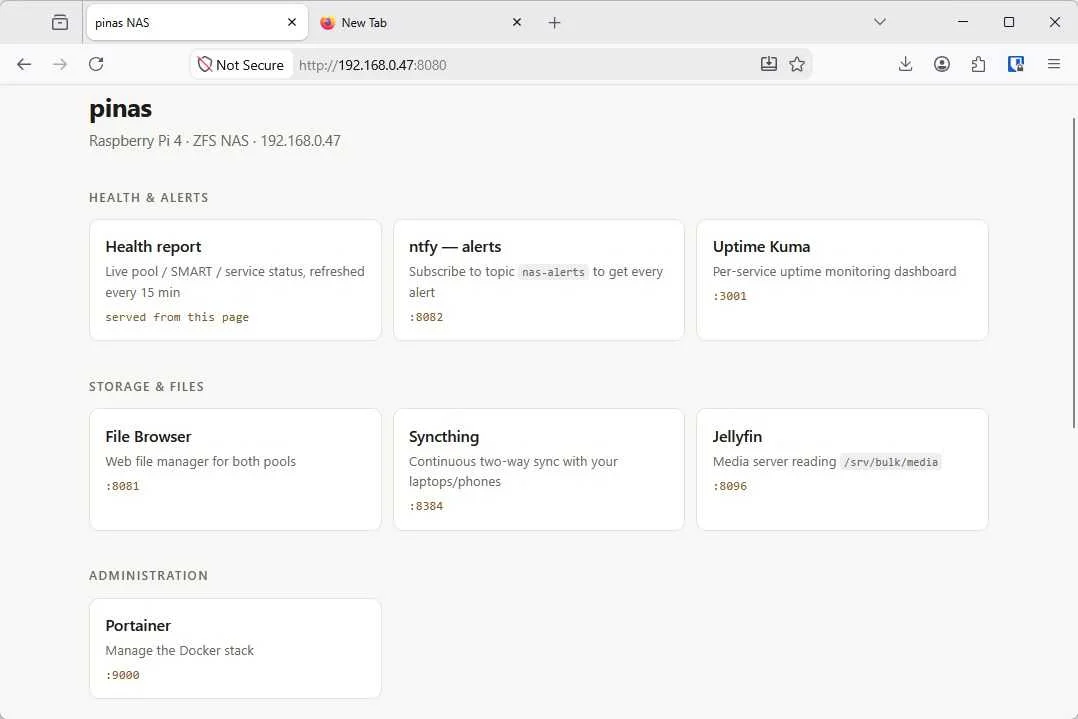
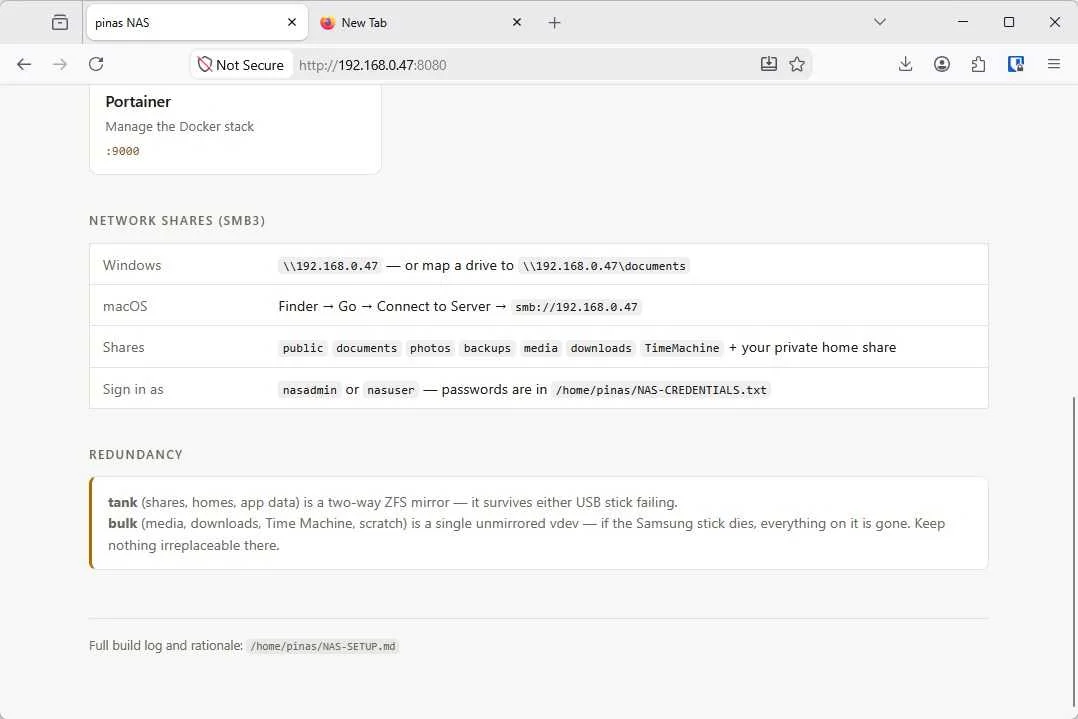
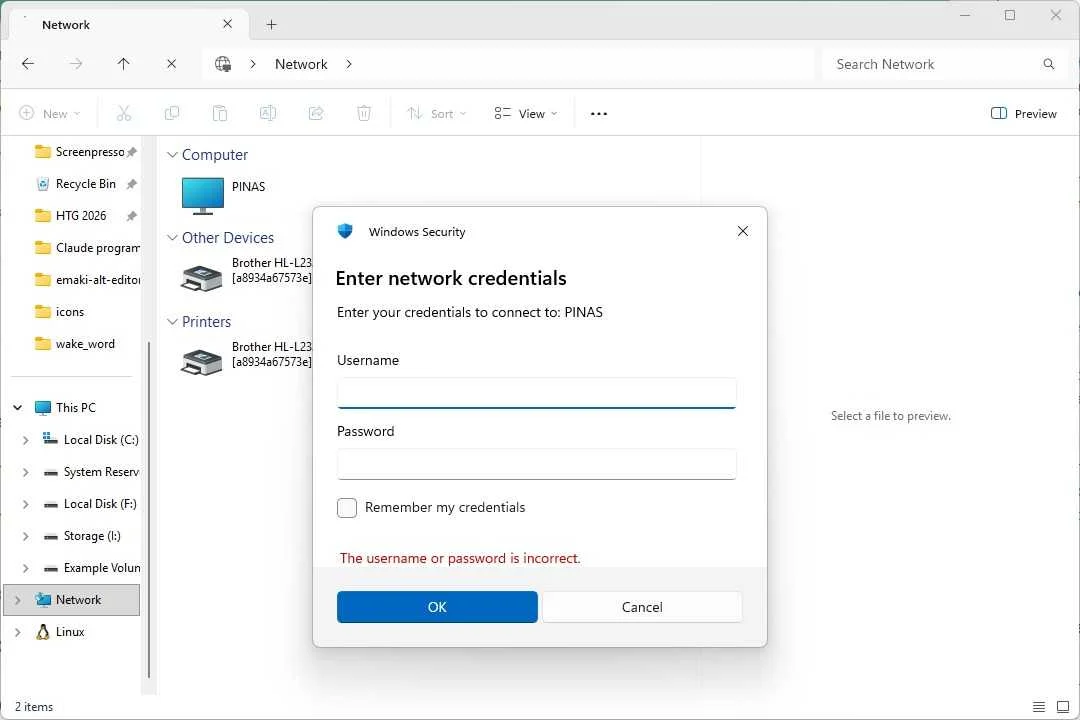
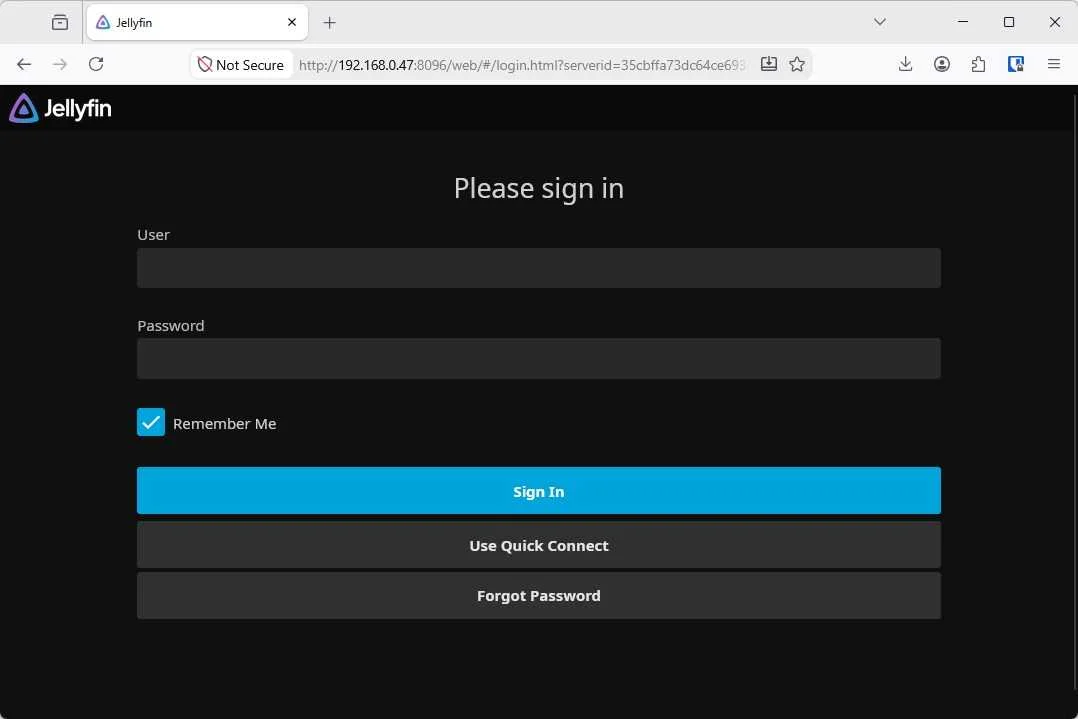
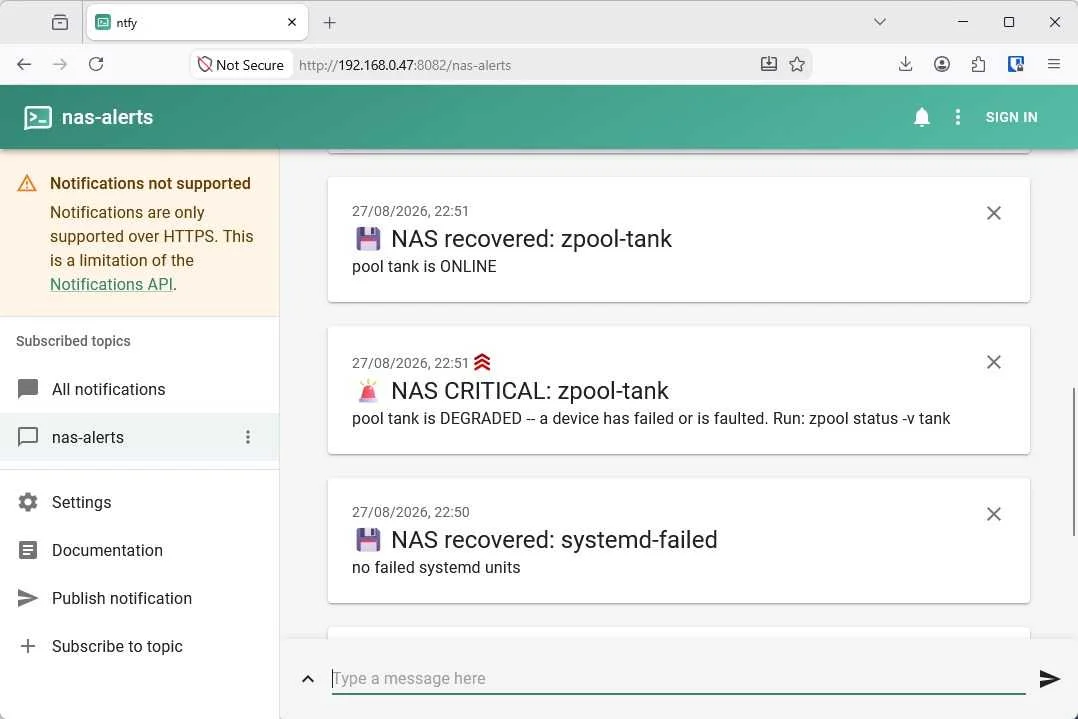
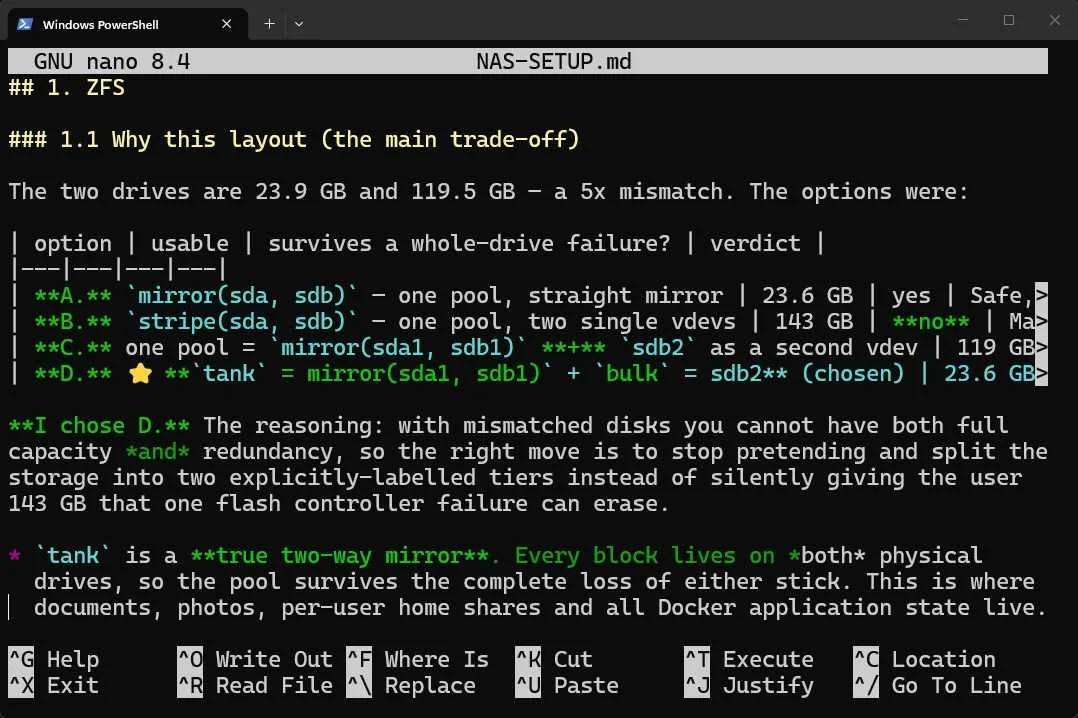
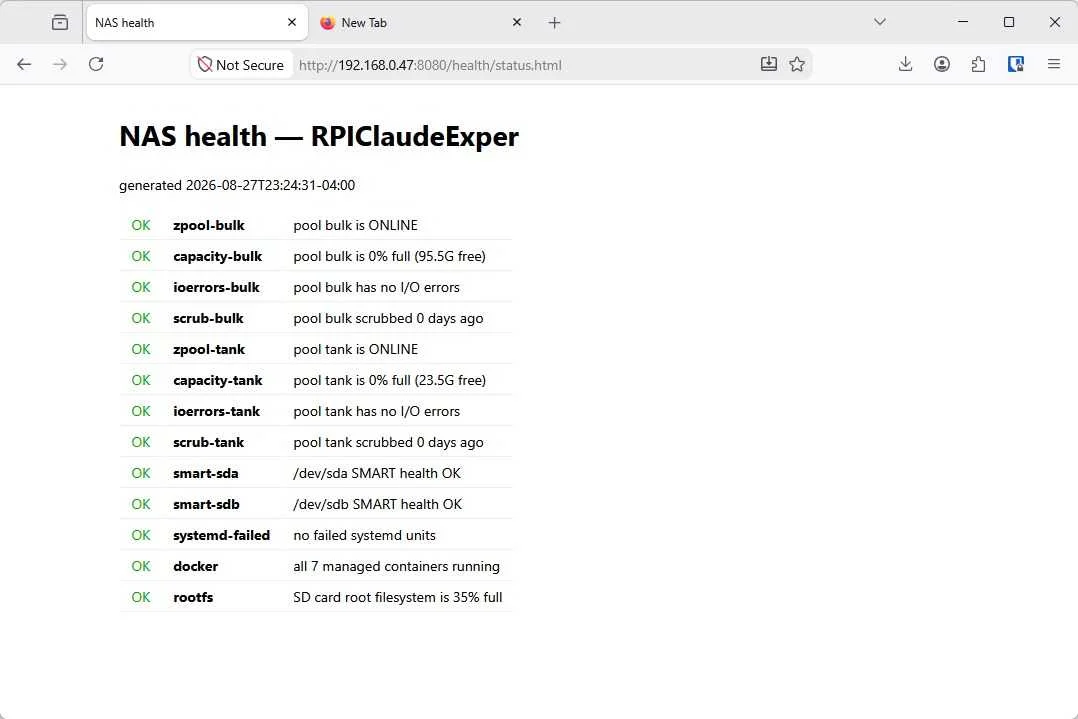
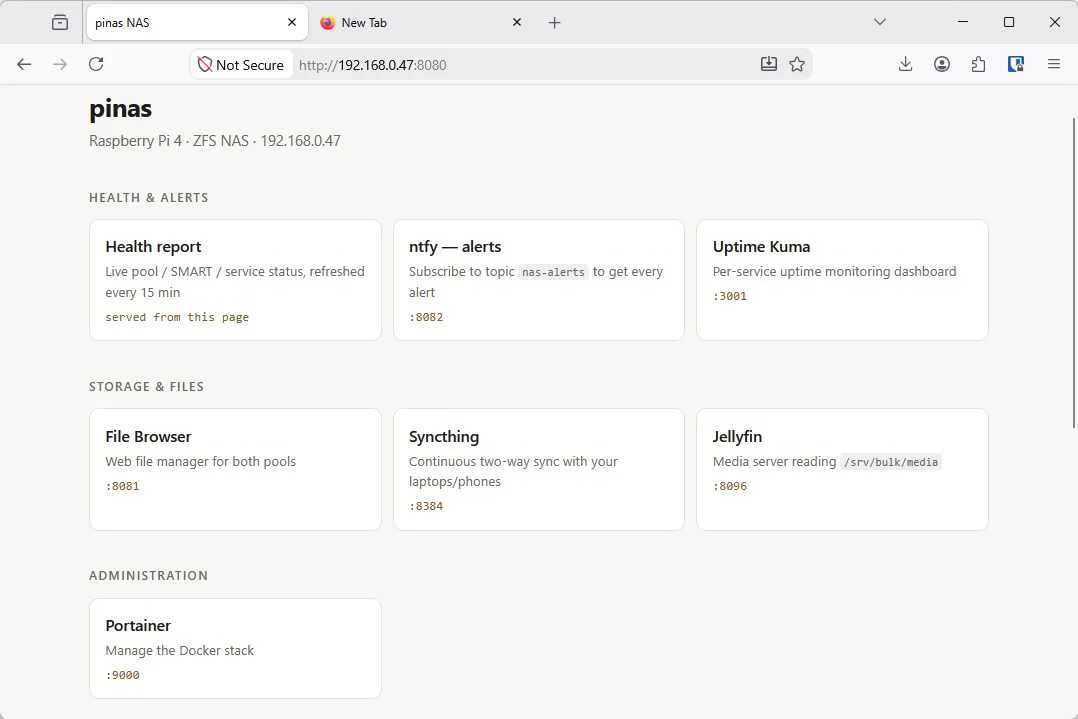
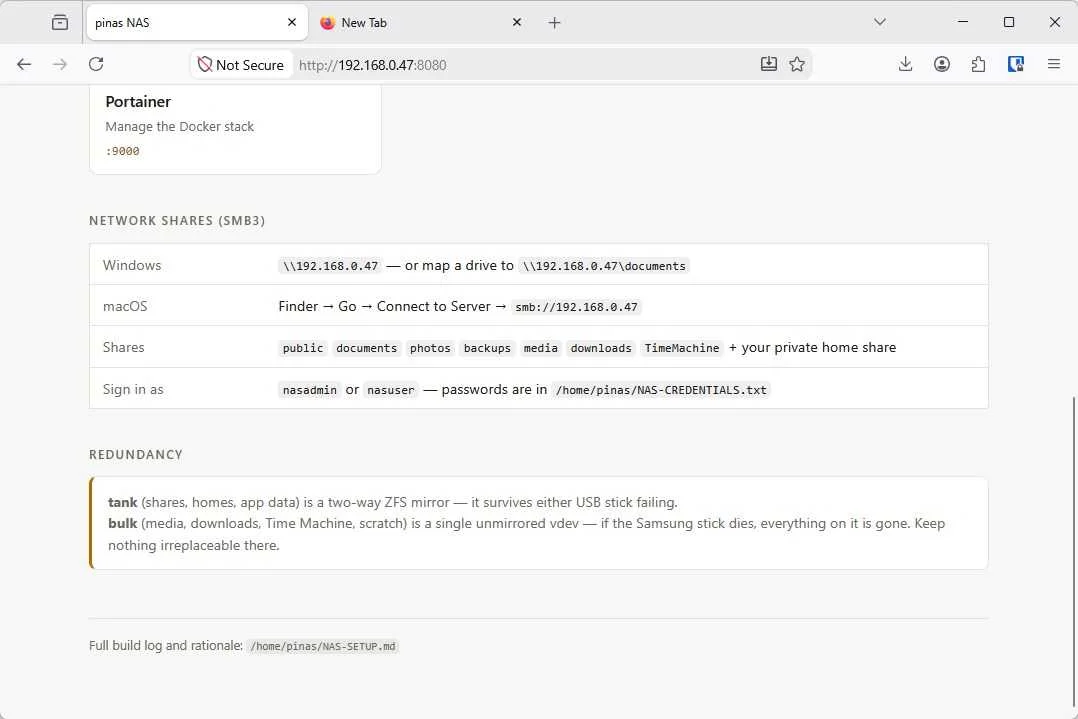
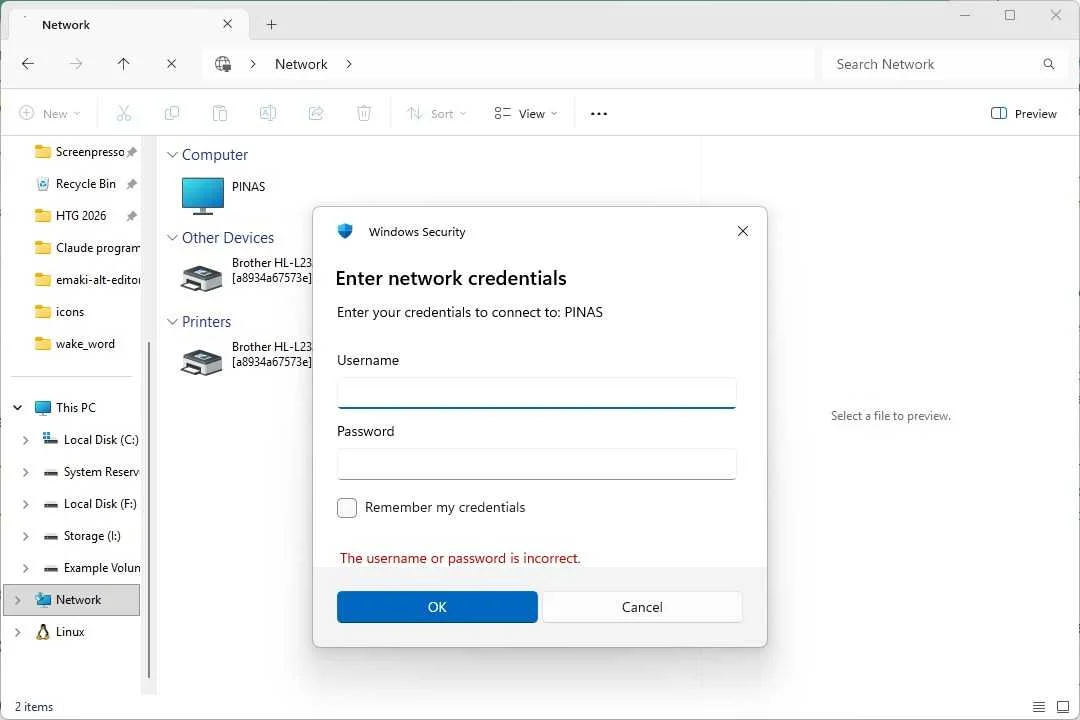
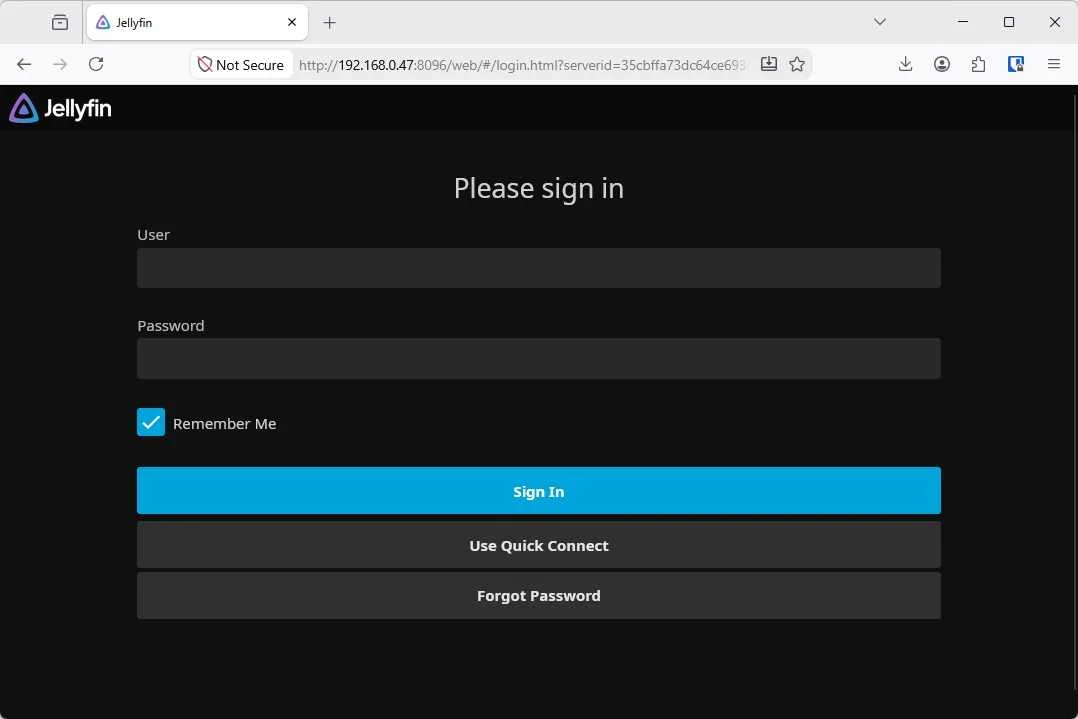
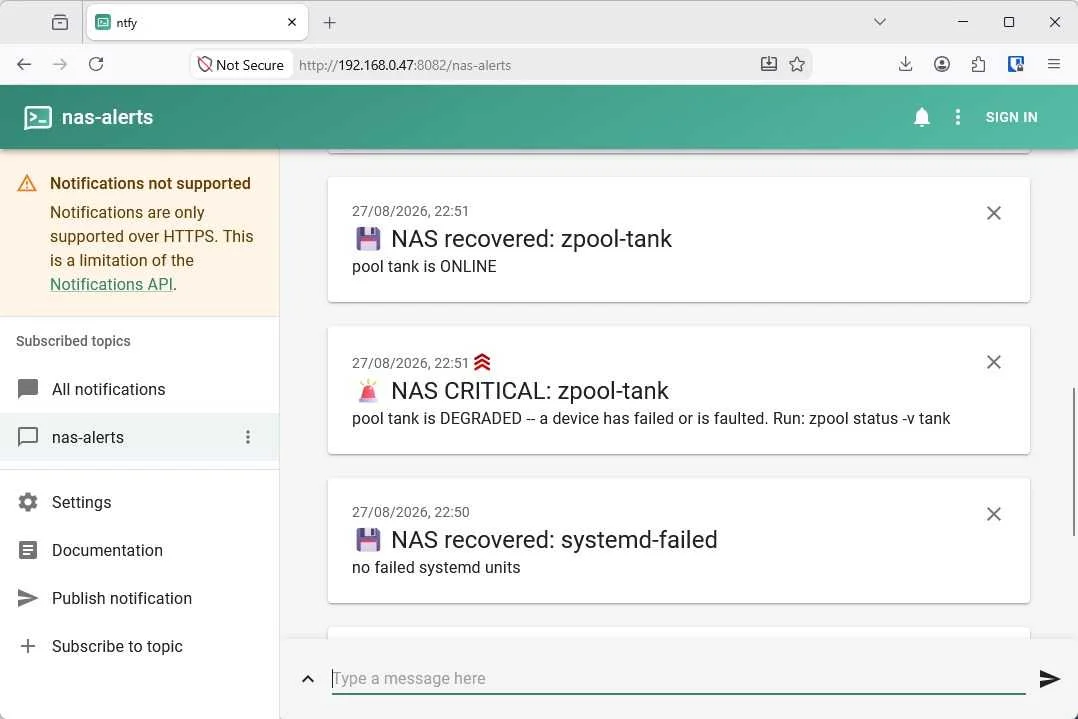
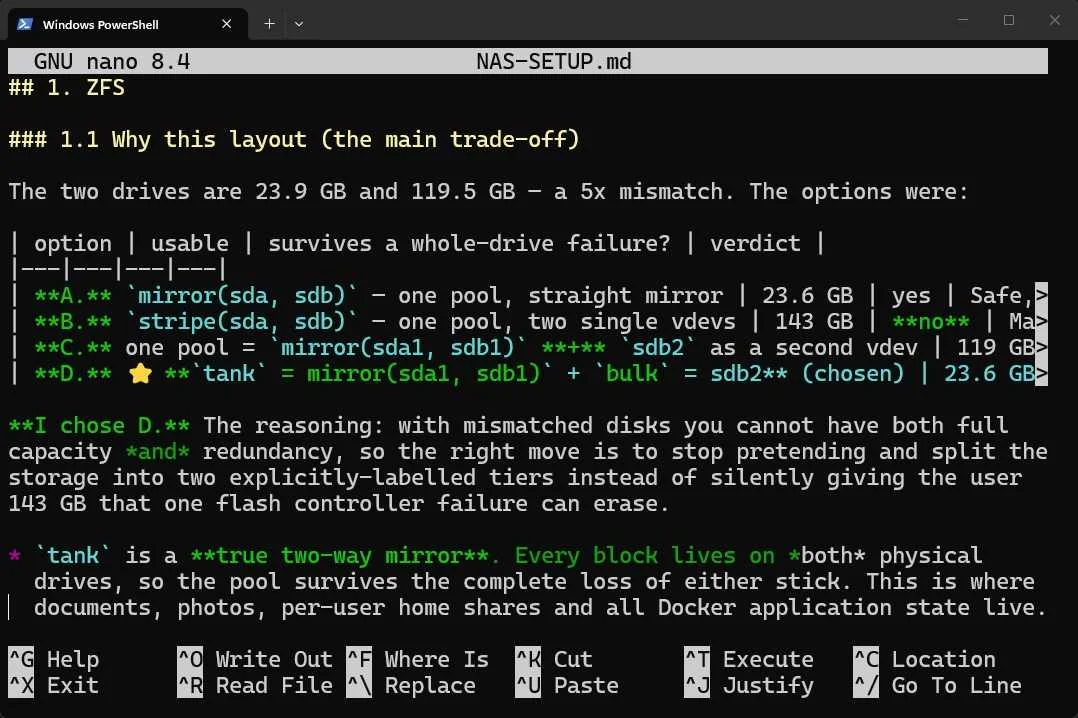
Claude actually did a fantastic job with the software end of things. I gave it the latitude to make many choices about how the setup was configured. It made sensible choices and the network shares worked instantly.
When it came to services and Docker containers, it chose:
- ntfy — A notification system
- NAS Dashboard — A website that displays the status of the whole setup
- Uptime Kuma — To keep an eye on uptimes
- File Browsers — A service that provides a web interface for managing the storage
- Portainer — To control Docker without SSHing in
- Syncthing — For continuous sync with devices on the network
- Jellyfin — A general purpose media server
It didn't require any intervention at all there. It downloaded, installed, and configured them well. It also stored the login details in a separate file, just like I'd requested. It set up backups as appropriate, and even took the extra step of writing a document explaining its choices and giving me some guidance on what each thing does.
It took more diligent notes about the setup than I ever have. I even discovered a troubleshooting document in the same folder.
Claude's limits are mostly physical
A loose cable is impossible to fix without a body
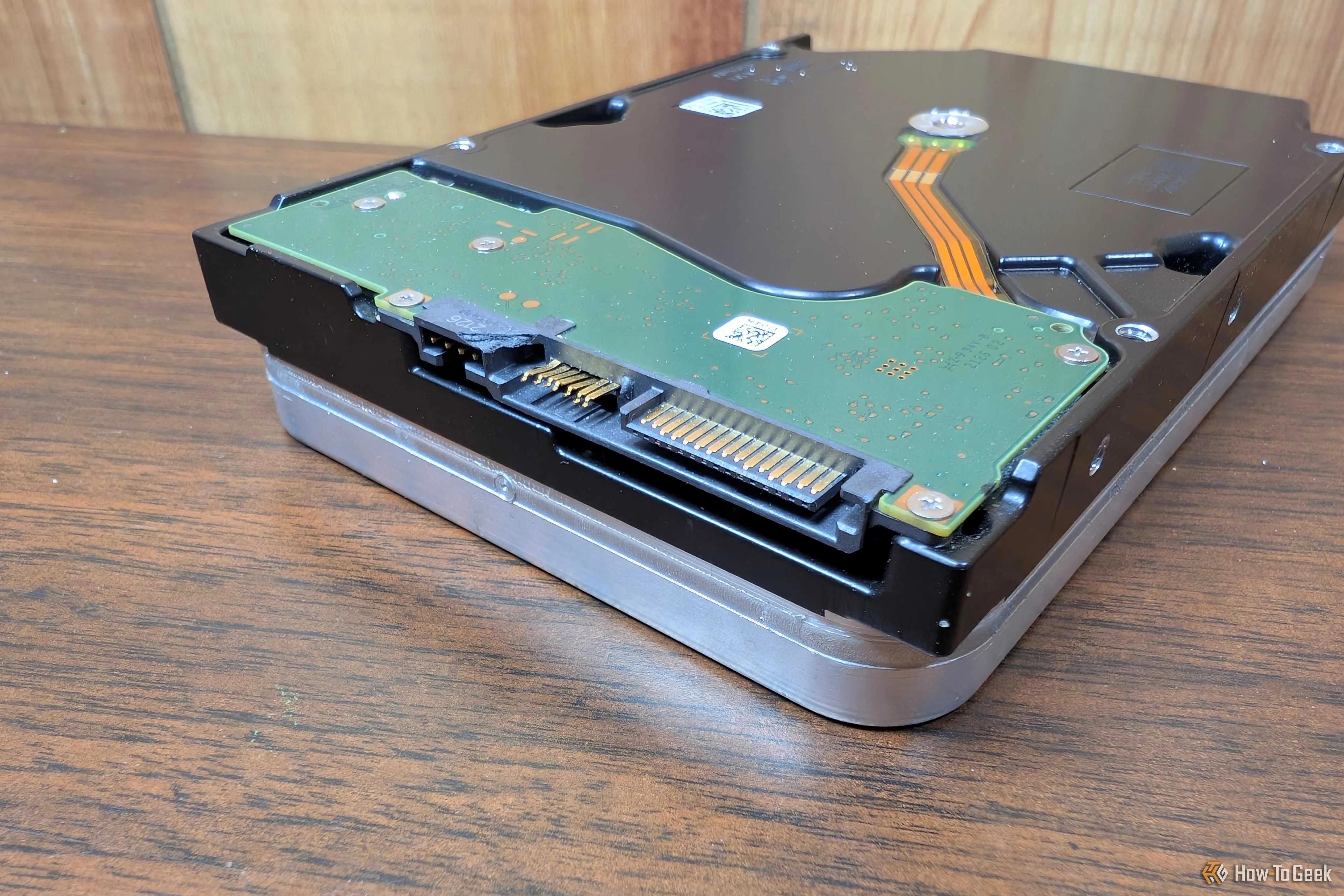
Claude's only real limitations are physical. The first time I let it try to set up the NAS it had an issue because I failed to properly seat the USB drive in the USB port. It complained to me until I fixed it and then ran perfectly from there.
Unfortunately, that is a pretty significant limitation for homelabbing. As often as not, a problem with your homelab setup is something physical—improperly seated connectors are common. It can't feel an Ethernet cable and notice that the connector is more wiggly than it should be. It can't hear a drive clicking.
You still have to handle that side of the equation, but realistically, Claude can walk you through a lot of that too.
Trust is also an issue
There is also the issue of security. You should never give Claude—or any other AI agent—your credentials for other services. The security risk is just too serious. I'd strongly recommend telling it to set up those services and then handle the login process yourself.
You also shouldn't trust it to make decisions related to your network security, since an error could theoretically expose your home network to attackers.
Claude is great for configuring a Pi
Once I created a prompt and attached Claude to the Raspberry Pi, it was able to handle the entire setup and documentation process autonomously.
However, you still shouldn't trust it to make decisions related to your security. Do your own reading and err on the side of caution.