Your Plex server is inaccessible right now, even on your home network

With a start in technology back in 2010 surrounding the Palm/webOS ecosystem, Patrick spent his formative years developing mobile applications as well as blogging for various publications, eventually leading to starting his own website in 2014. After running a technology blog for a few years, he stepped out of that role and into the world of high-end custom PC manufacturing and building, with a focus on YouTube video production and overclocking. Then, six years ago, Patrick joined the 9to5Toys team as an editor/writer/reviewer with over 14,000 articles being published there there, ranging from deals and roundups to in-depth reviews on the latest technology, video games, 3D printers, and more.
In his free time, Patrick loves to create projects from wood using various robots and methods, including leveraging the technologies of CNCs and lasers. If Patrick isn't working on a computer or playing video games, he's likely in his 2-car garage workshop creating something unique. In addition to all this, Patrick is also a youth pastor at his local church where he feels God has called him to serve, and he loves every minute of it.
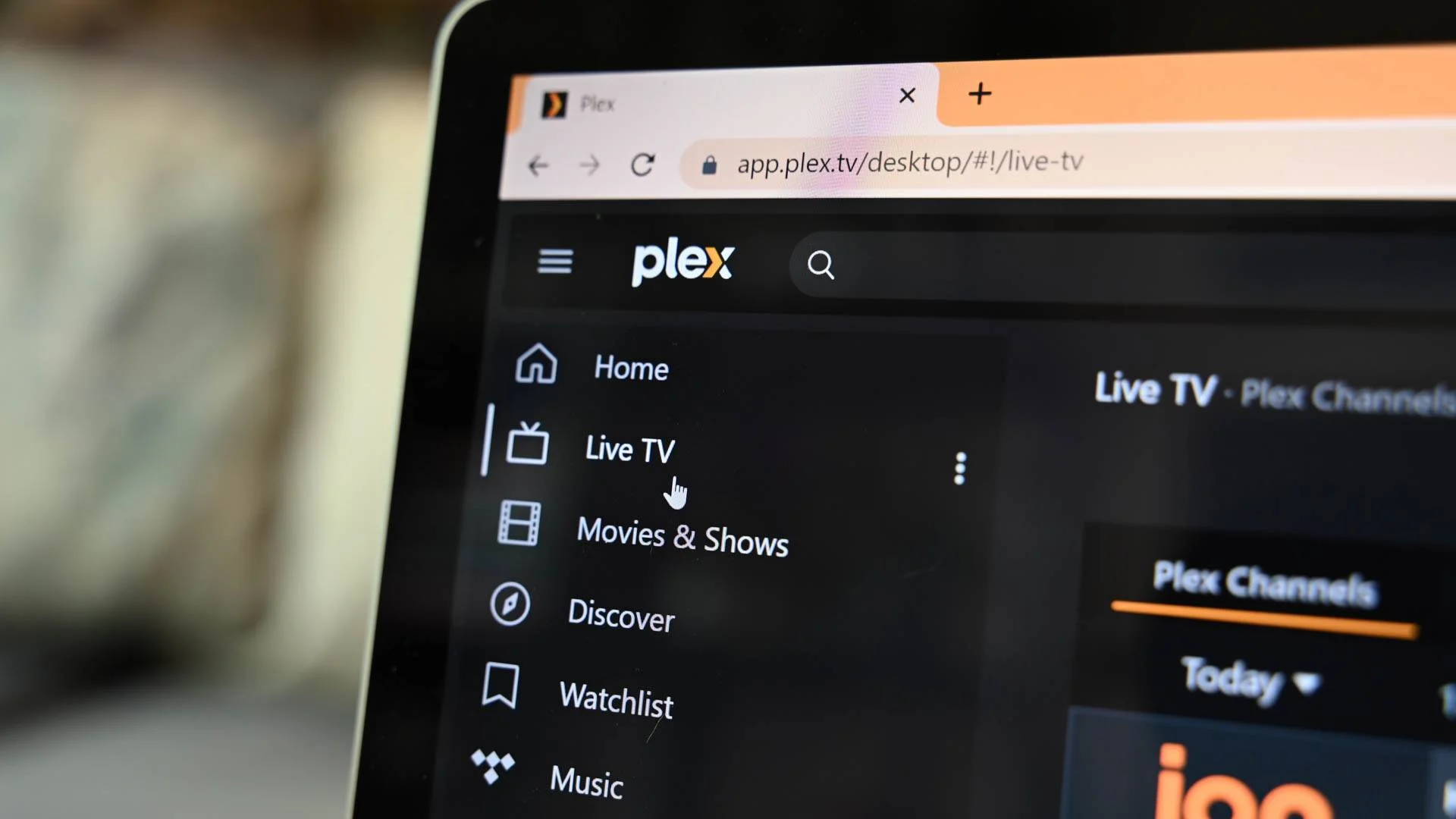
While it hasn't had the best reputation lately, Plex is still one of the biggest platforms around for streaming your own media — and it's down right now.
Plex has become a stalwart in the homelabbing industry for many, many years. It started out as a self-hosted media platform where you could basically create your own Netflix on your local network. Eventually, Plex opened things up so you could access that information outside of your network.
This is when Plex accounts became a pretty big deal and also when Plex started pushing its Plex Pass — which recently went up substantially in price. The problem with Plex accounts these days is you need them for anything Plex-related, unless you have local access set up on your server.
Can I still access my Plex server?
This might take some time
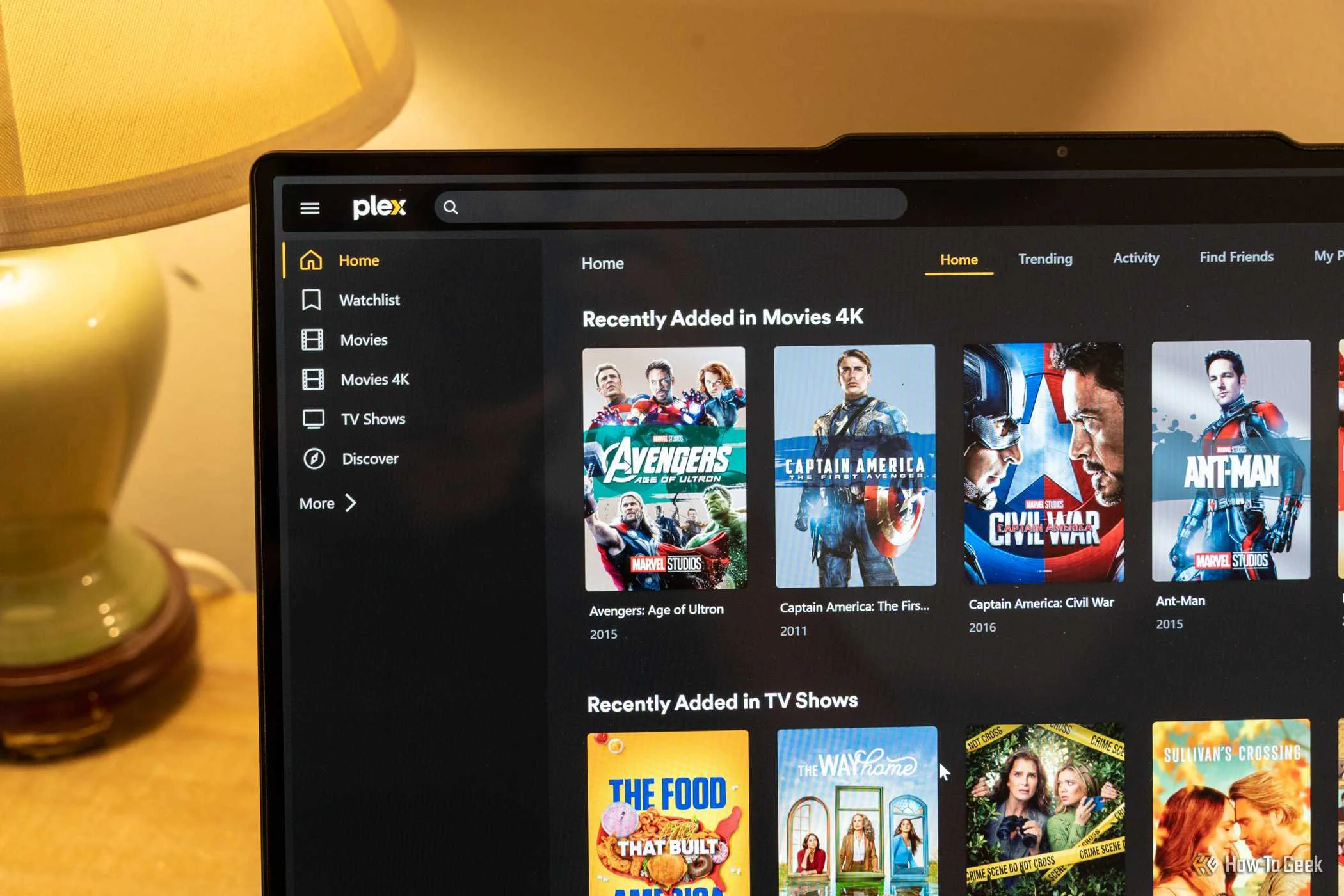
If you want to access your Plex server, then you're going through Plex's servers, even though the media is hosted right there in your own home. Even accessing your Plex server through its local IP address requires authentication with Plex, which can't happen when Plex's servers are down like they are right now.
So, even if you are on your own local network and want to watch Plex right now, there's a good chance you can't. It's definitely something for you to fix whenever Plex's servers do come back online, though.
 Quiz
Quiz
Plex media server
Trivia challenge
Think you know Plex inside and out? Put your streaming smarts to the test with this ultimate Plex quiz.
In what year was Plex first released as a standalone media server application?
What is the name of Plex's free, ad-supported streaming service that offers movies and TV shows without a subscription?
What is the default port number used by Plex Media Server for web access?
Which gaming console was notably among the first to receive an official Plex app, helping broaden its living room presence?
What Plex feature allows users to watch and record over-the-air broadcast TV using a compatible tuner and antenna?
What is 'Plex Pass' and what does it primarily unlock?
Plex originally forked its codebase from which open-source media player project?
When Plex cannot directly stream a file to a client device, what process does it use to convert the media in real time?
Your Score
Thanks for playing!
This is yet another reason why so many people are jumping ship from Plex to services like Jellyfin, as Jellyfin can run completely locally without having to reach out to any other servers.
Plex's own status page doesn't show a lot of information at the time of writing. It shows that the program guide data for live TV, Discover Together, Movies & Shows free streaming, and the plex.tv API are all down.
Plex's system statuses below the "what's down right now" area show green basically across the board, so there's no rhyme or reason why Plex should be down.
Frustration continues to grow after the latest update from Plex
Is it time to find another server?

As of 1:25 PM EDT, Plex has been down for approximately an hour, and Plex has only sent out one social media message about it being down.
Sadly, you're at the mercy of Plex for when your server will come back online. If you're fine with editing configuration files, then it's possible to give your LAN unauthenticated access to your Plex server and watch your media right now.
Of course, you could always just take the next little bit to spin up a Jellyfin server and no longer have any issues accessing your media again.
Source: Plex status page