The absolute cheapest way to get an external hard drive doesn't involve buying one

Before joining the How-To Geek team, Bertel wrote for the likes of MakeUseOf, MakeTechEasier, and Android Police—at the latter he wrote over 3,500 articles. He delights in helping others decide which tech to bring into their lives... and which tech to do without.
Bertel graduated from the College of William and Mary in 2012 with degrees in History and Government. He has spent his entire career as a tech journalist covering Android, Linux, wearables, smart home devices, and more.
I prefer local external storage to the cloud, but until now, I've been missing out on the most cost-effective kind. I've used external hard disk drives, but I never tried building one myself. But when I bought a hard disk drive enclosure, it turned out to be the solution I didn't know I needed.
Save money on external storage
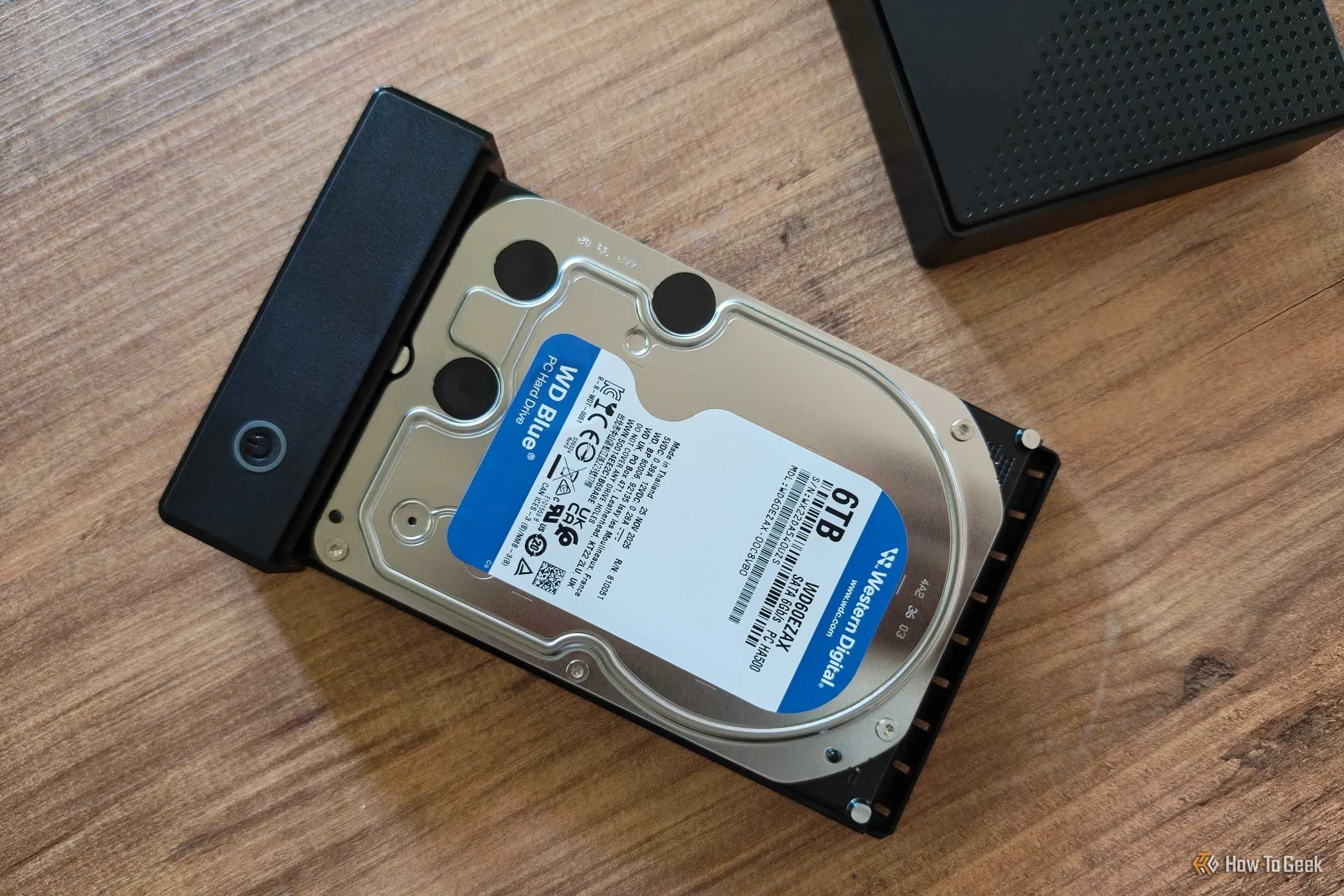
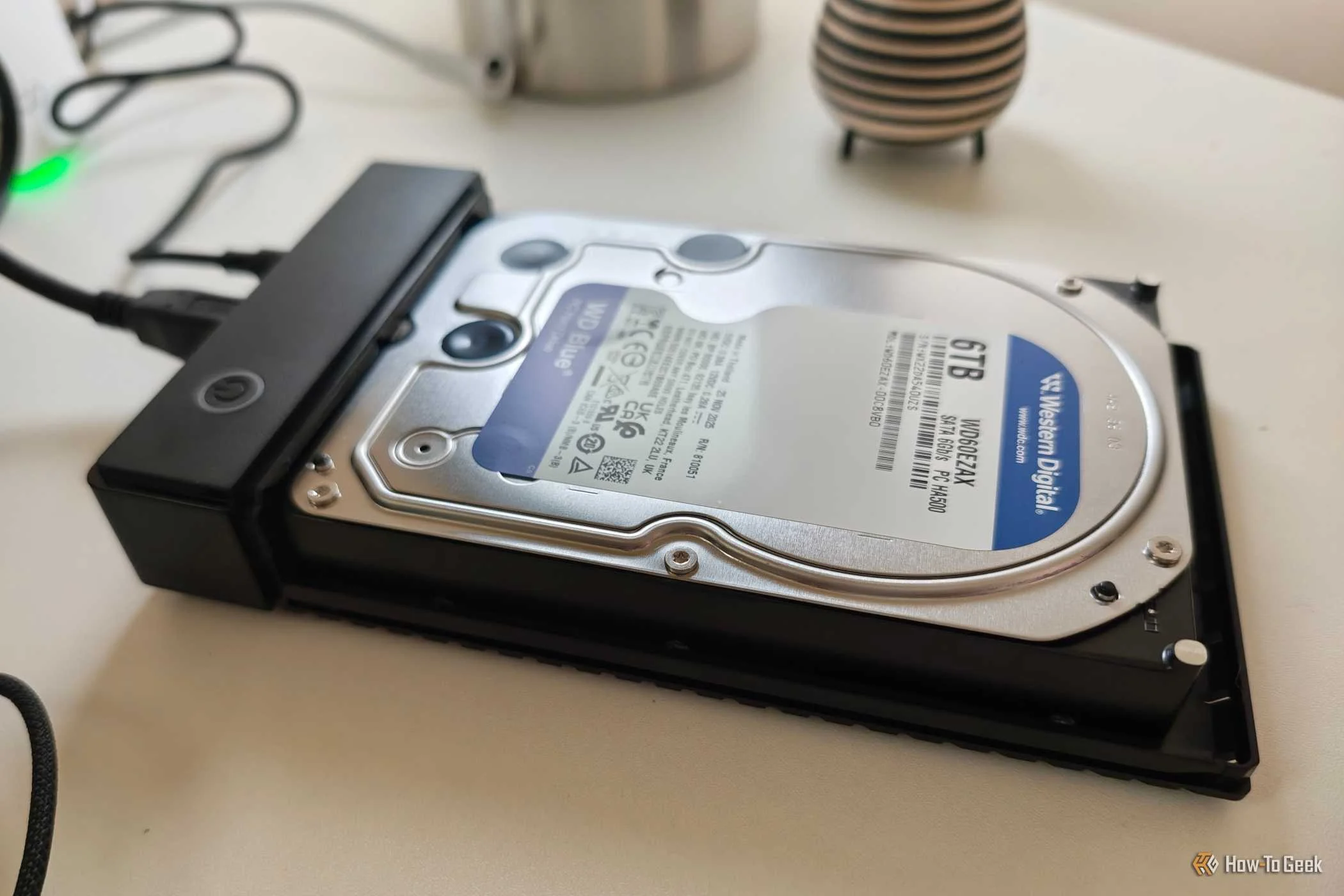
Building an external drive is simpler than you think


 Credit: Bertel King / How-To Geek
 Credit: Bertel King / How-To Geek
 Credit: Bertel King / How-To Geek
 Credit: Bertel King / How-To Geek
 Credit: Bertel King / How-To Geek
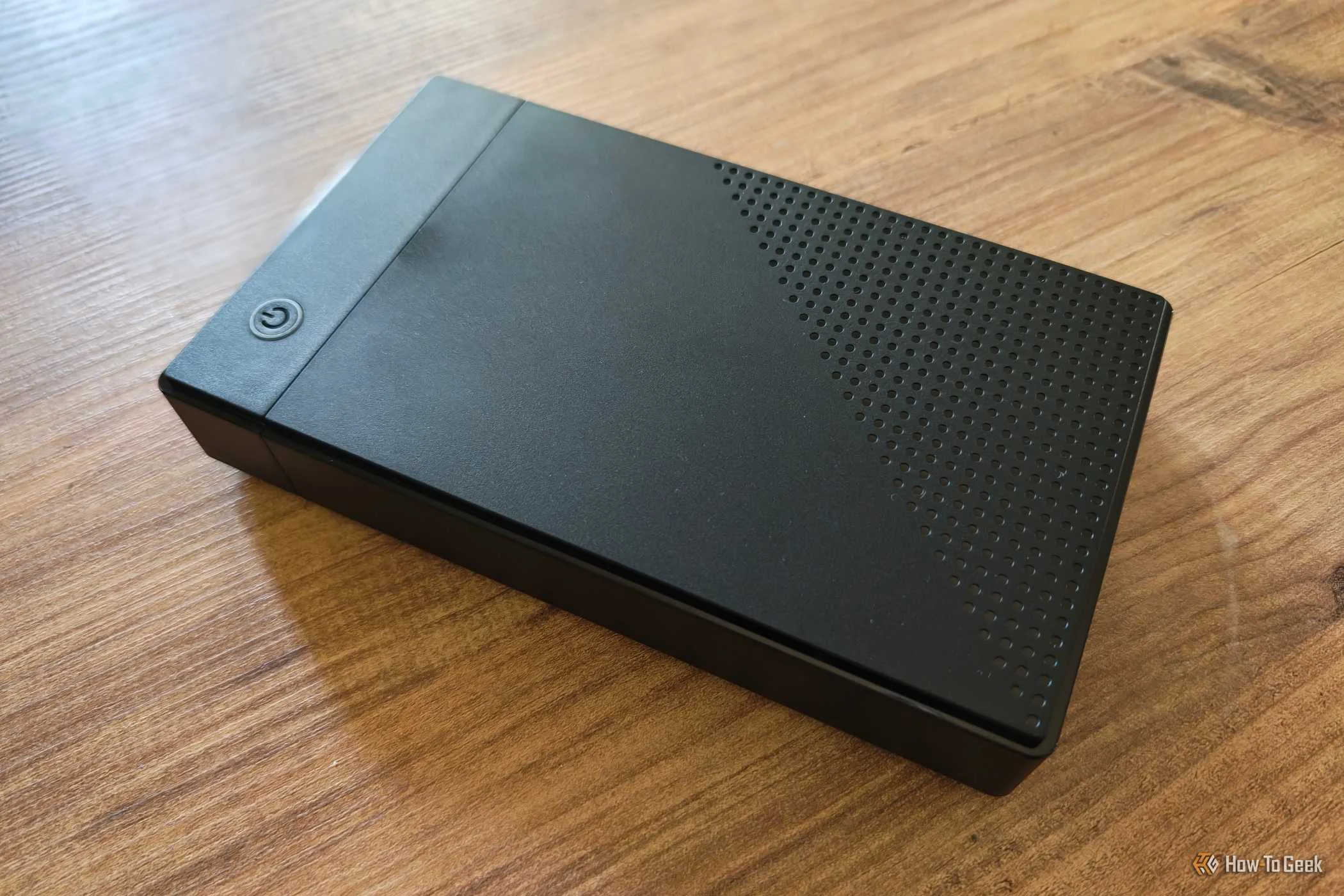
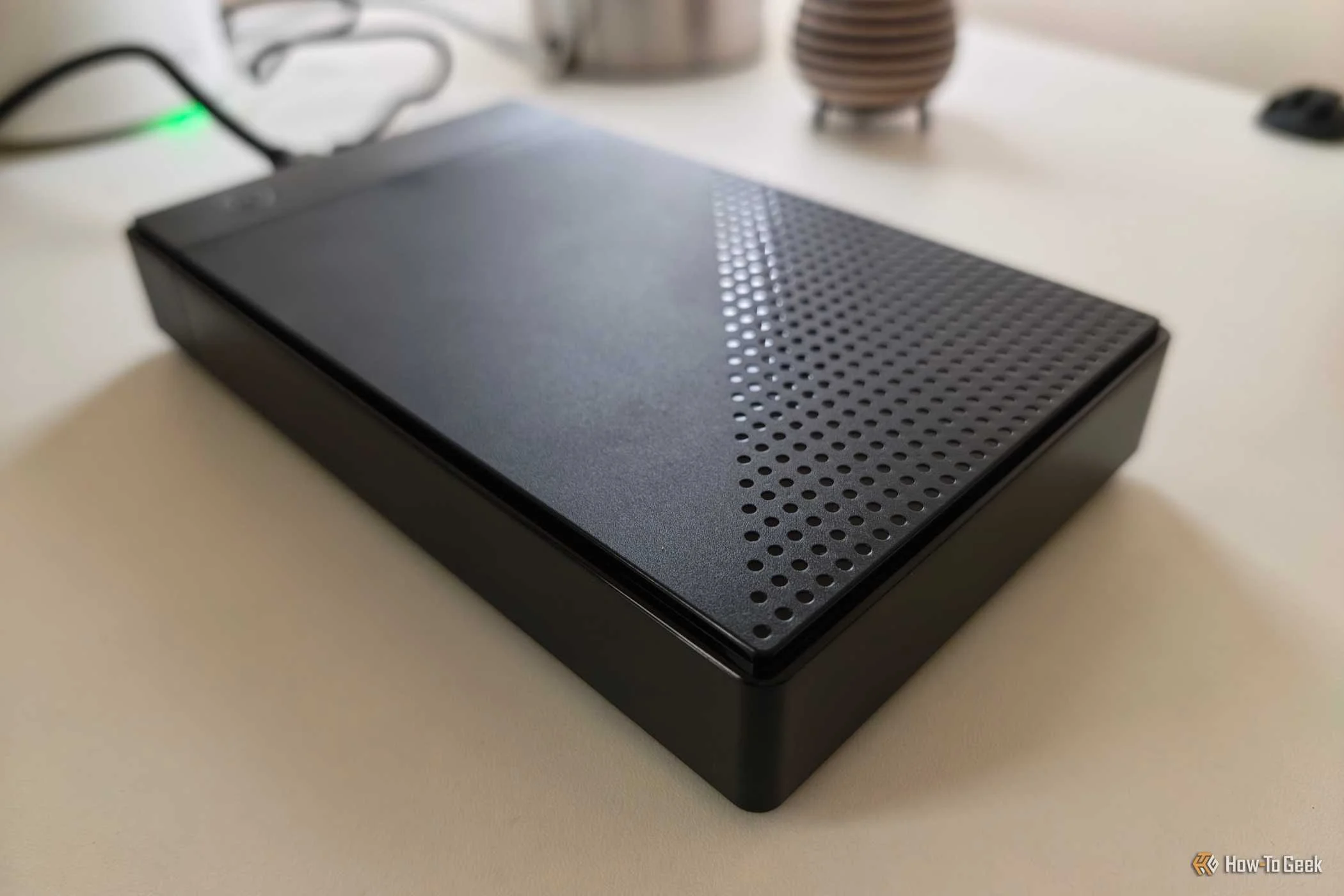
Storage is more expensive than it used to be, regardless of whether you want an internal or external hard drive. With prices as high as they are, I'm trying to save money however I can.
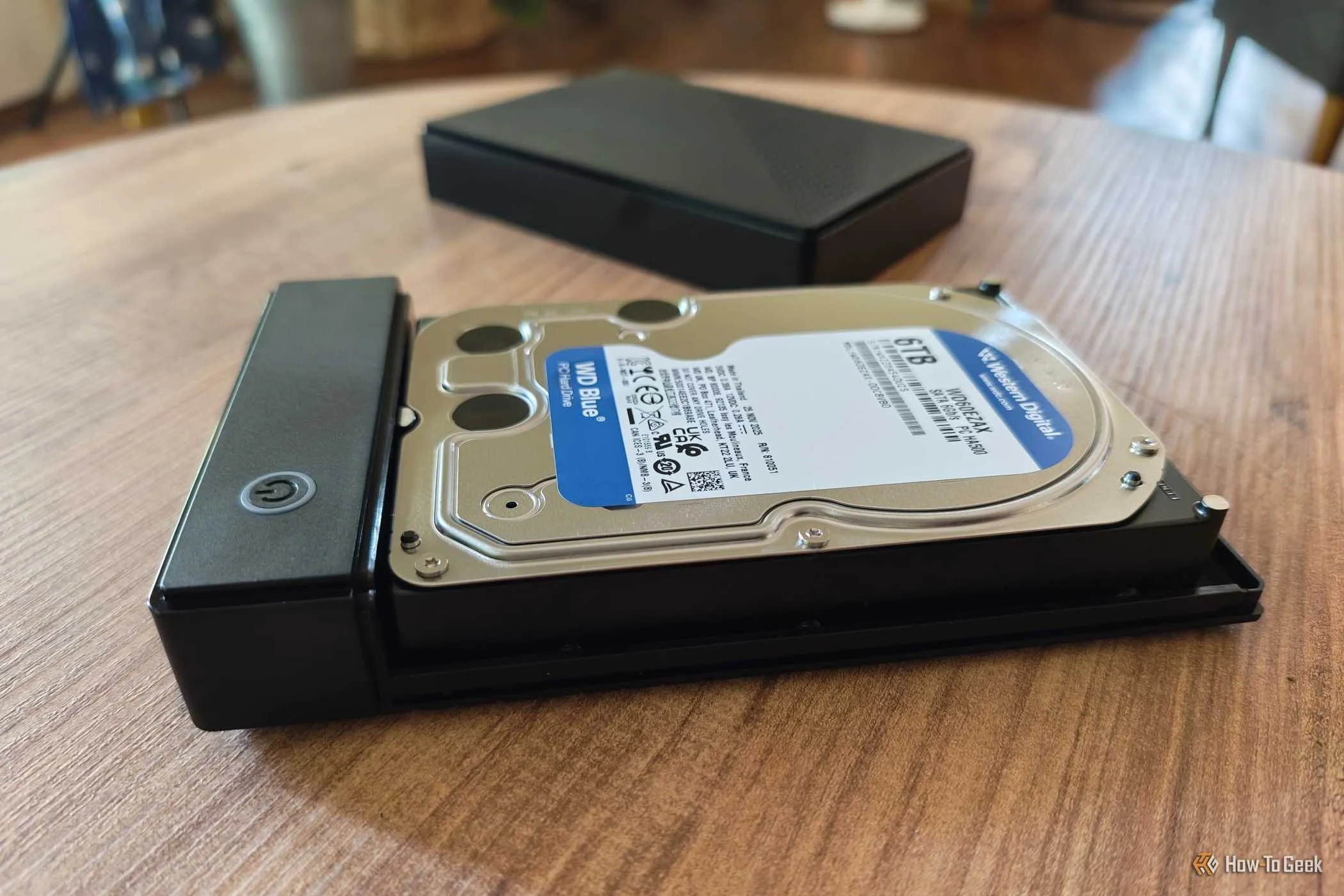
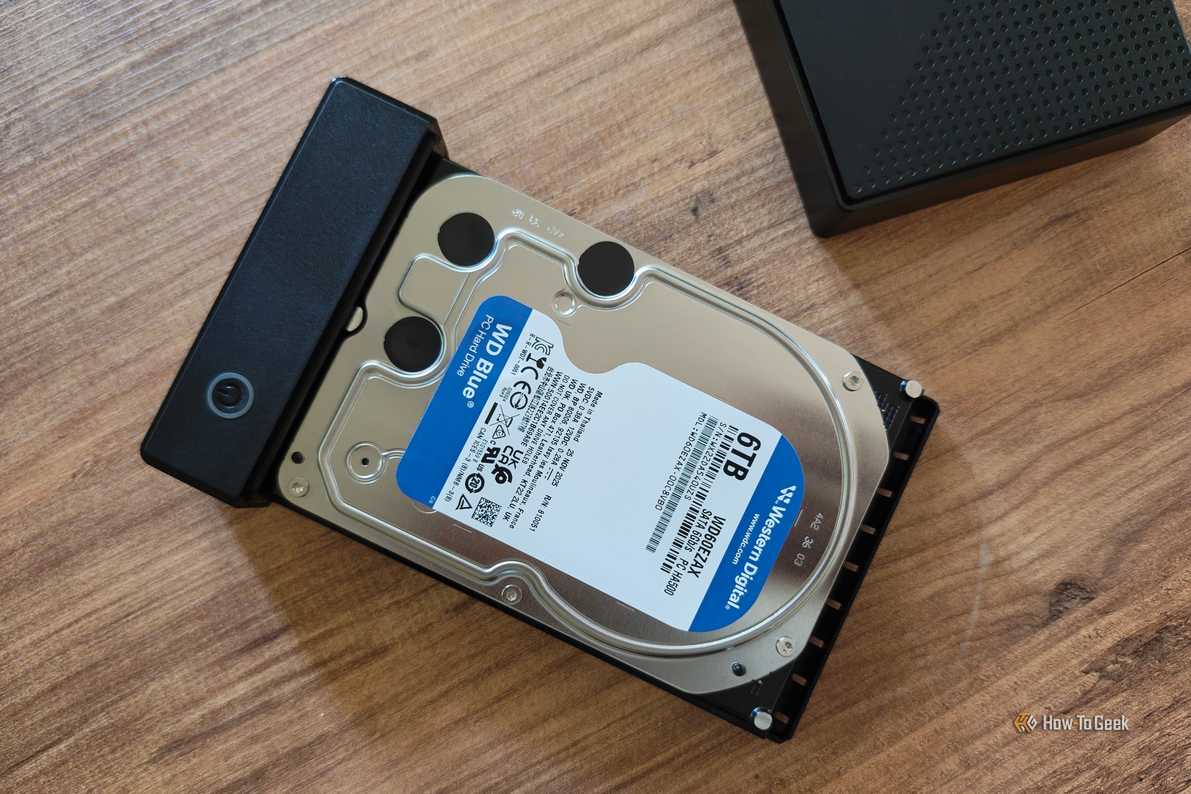
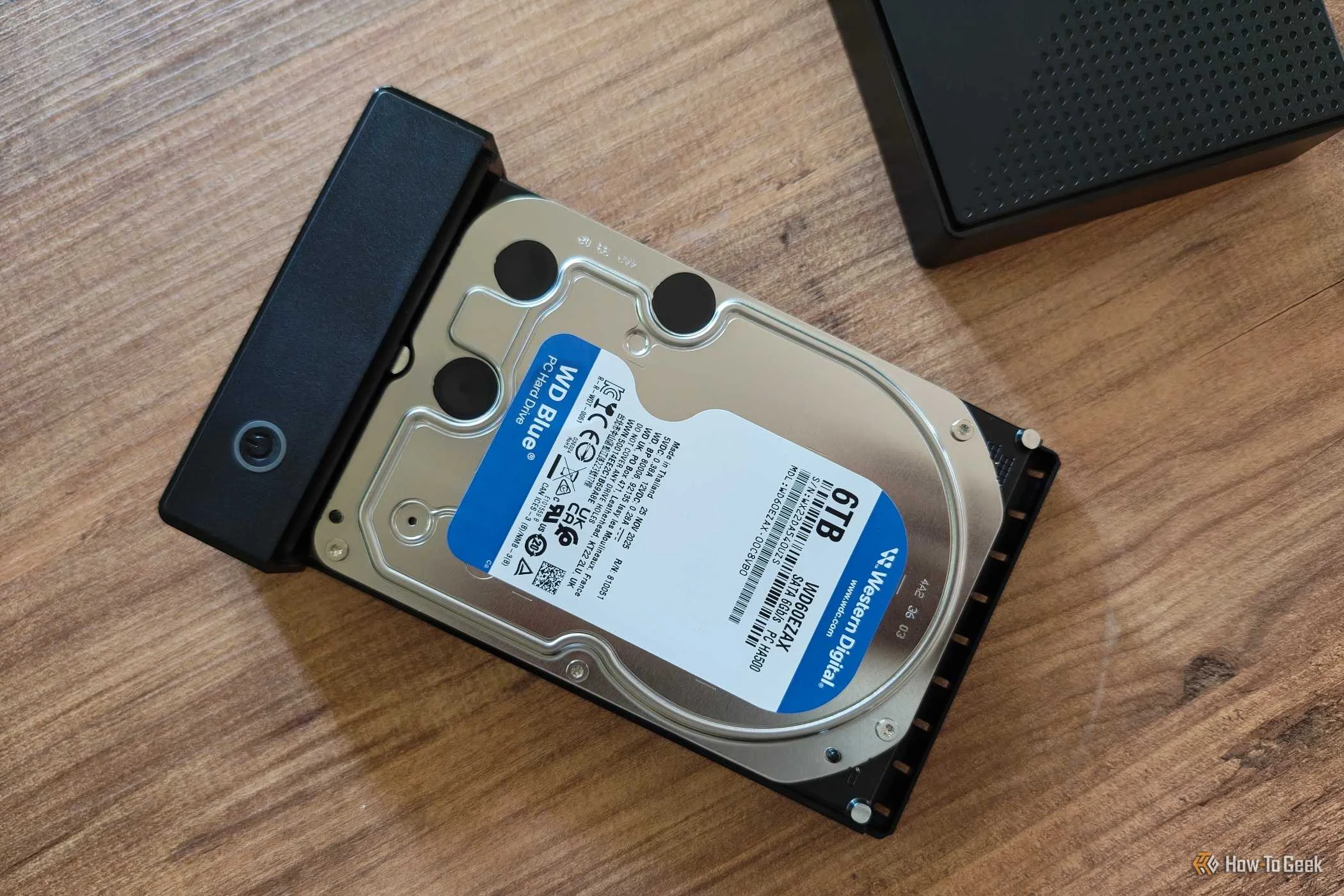
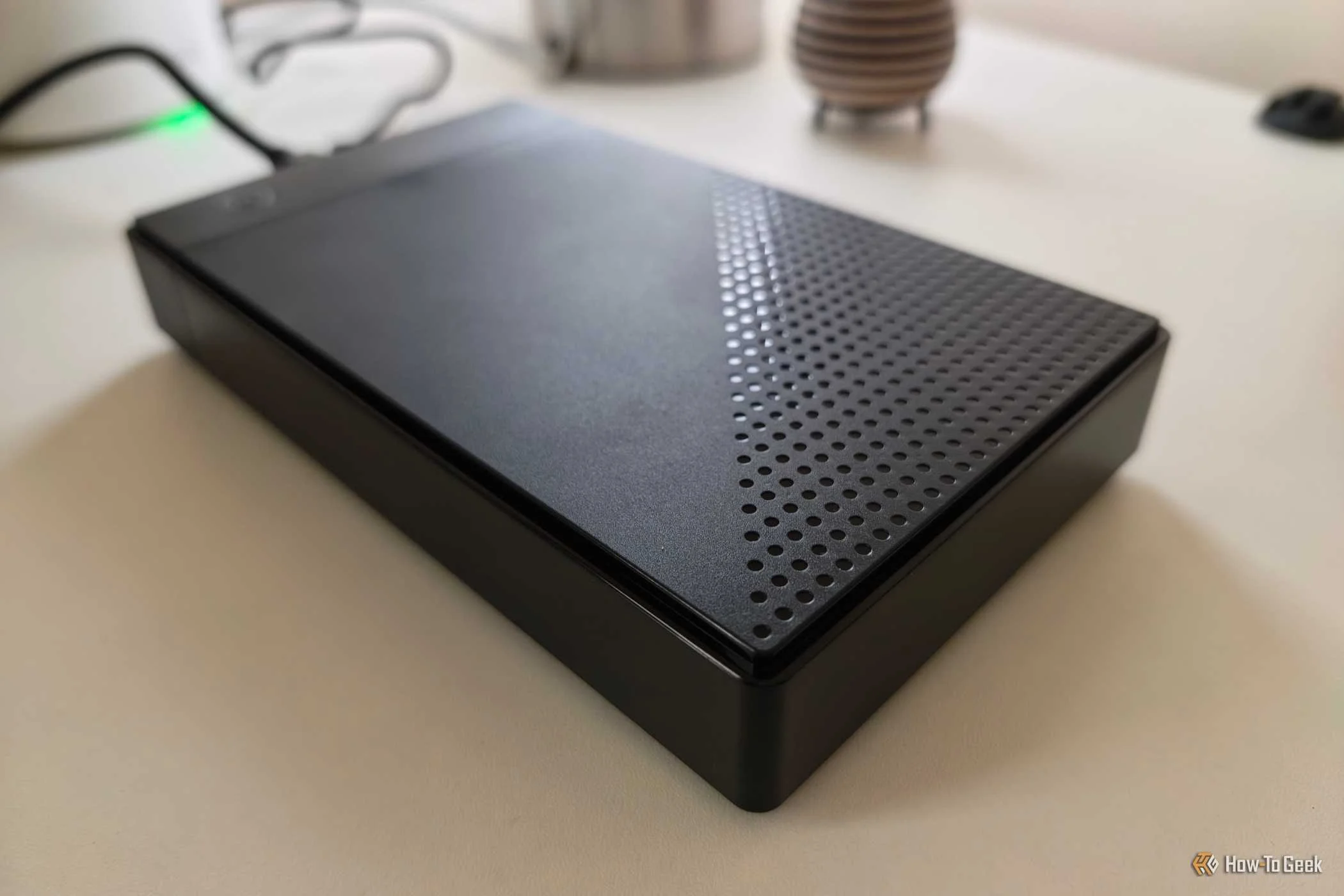
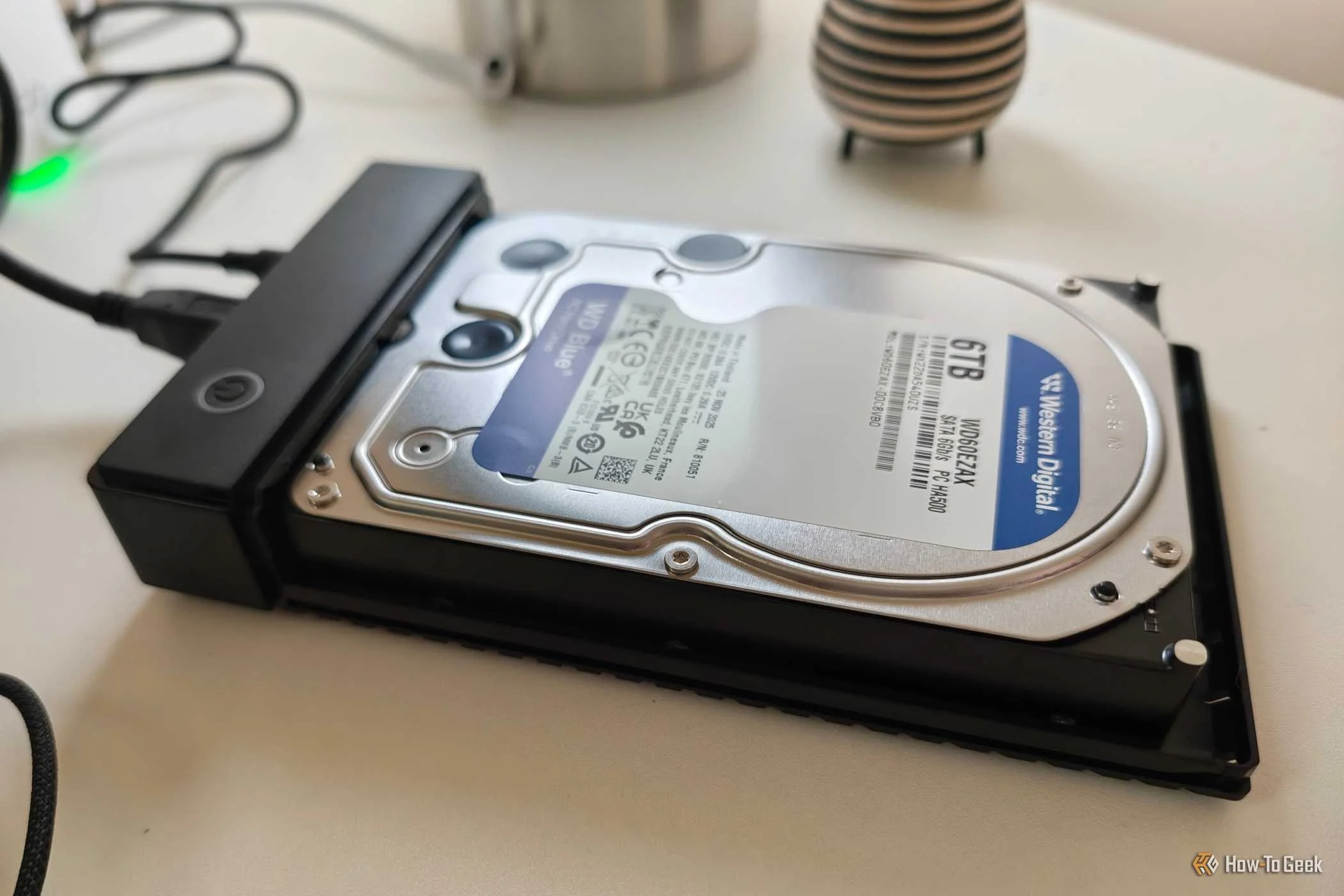
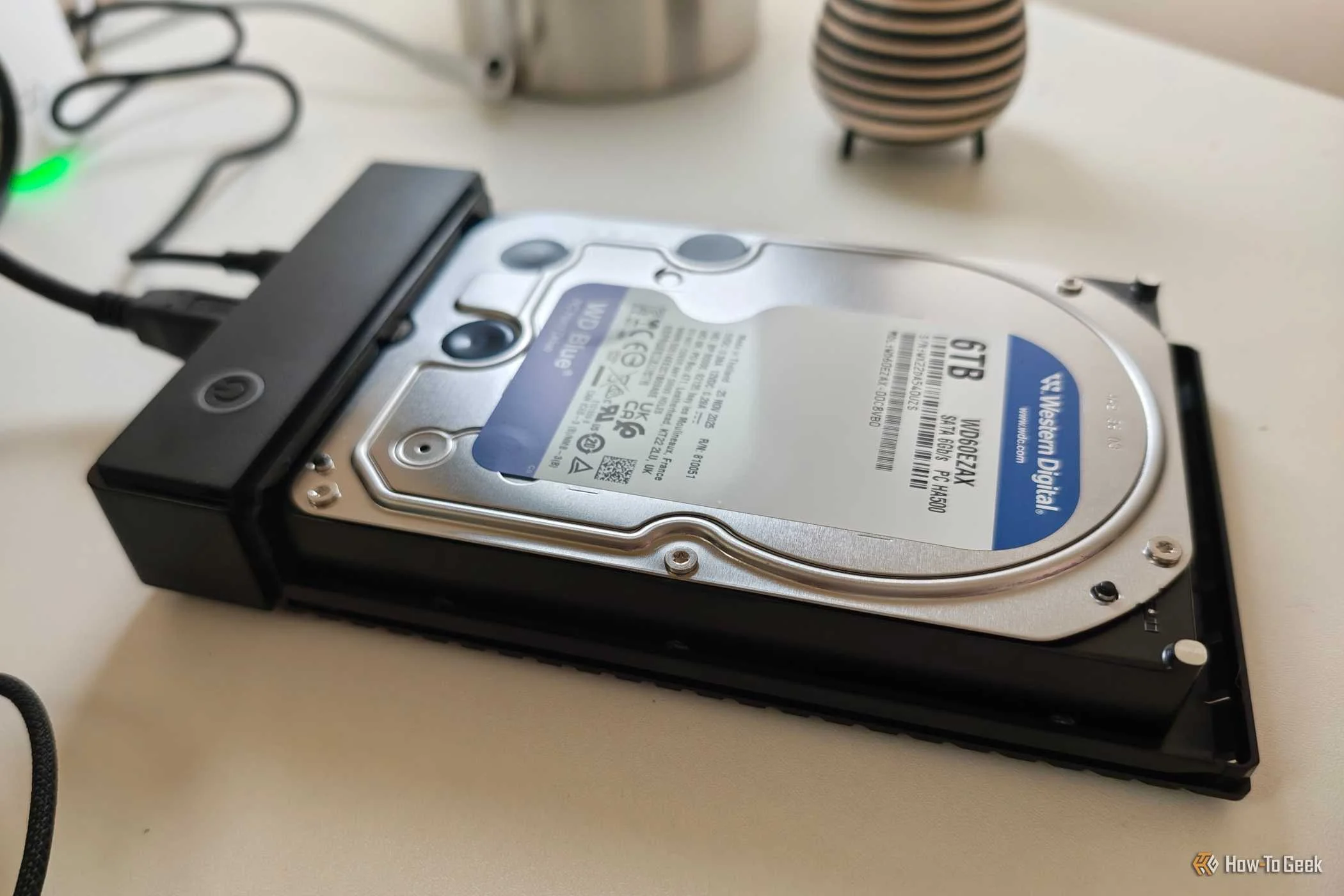
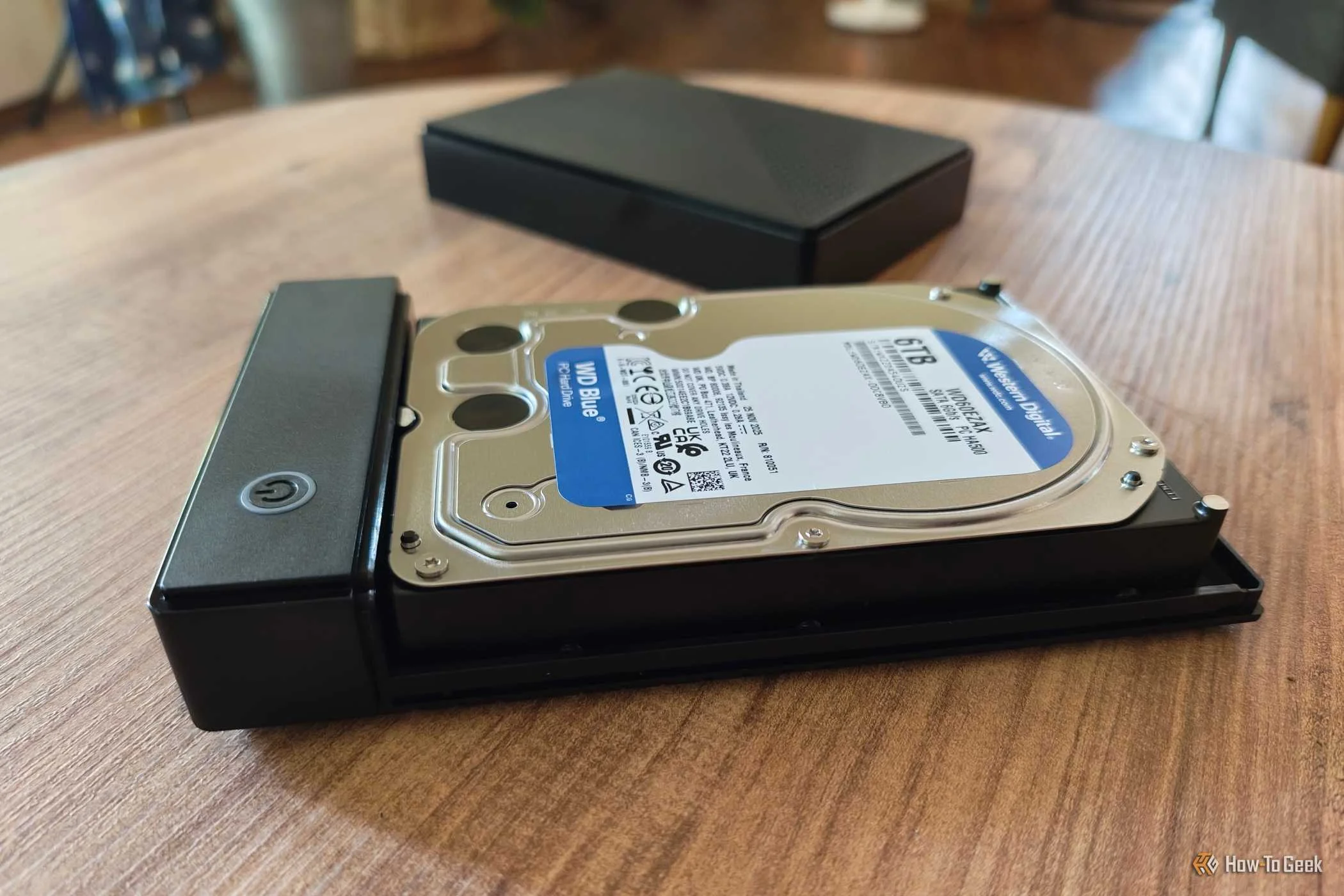
As a general rule, hard disk drives cost less than solid-state drives. SSDs are faster and don't have any vulnerable moving parts, but they are exponentially more expensive than HDDs when you go up in size. Still, while I could save money by buying an external HDD over an external SSD, I've saved even more by buying an HDD intended to go inside a desktop PC and finding a separate case to stick it in.
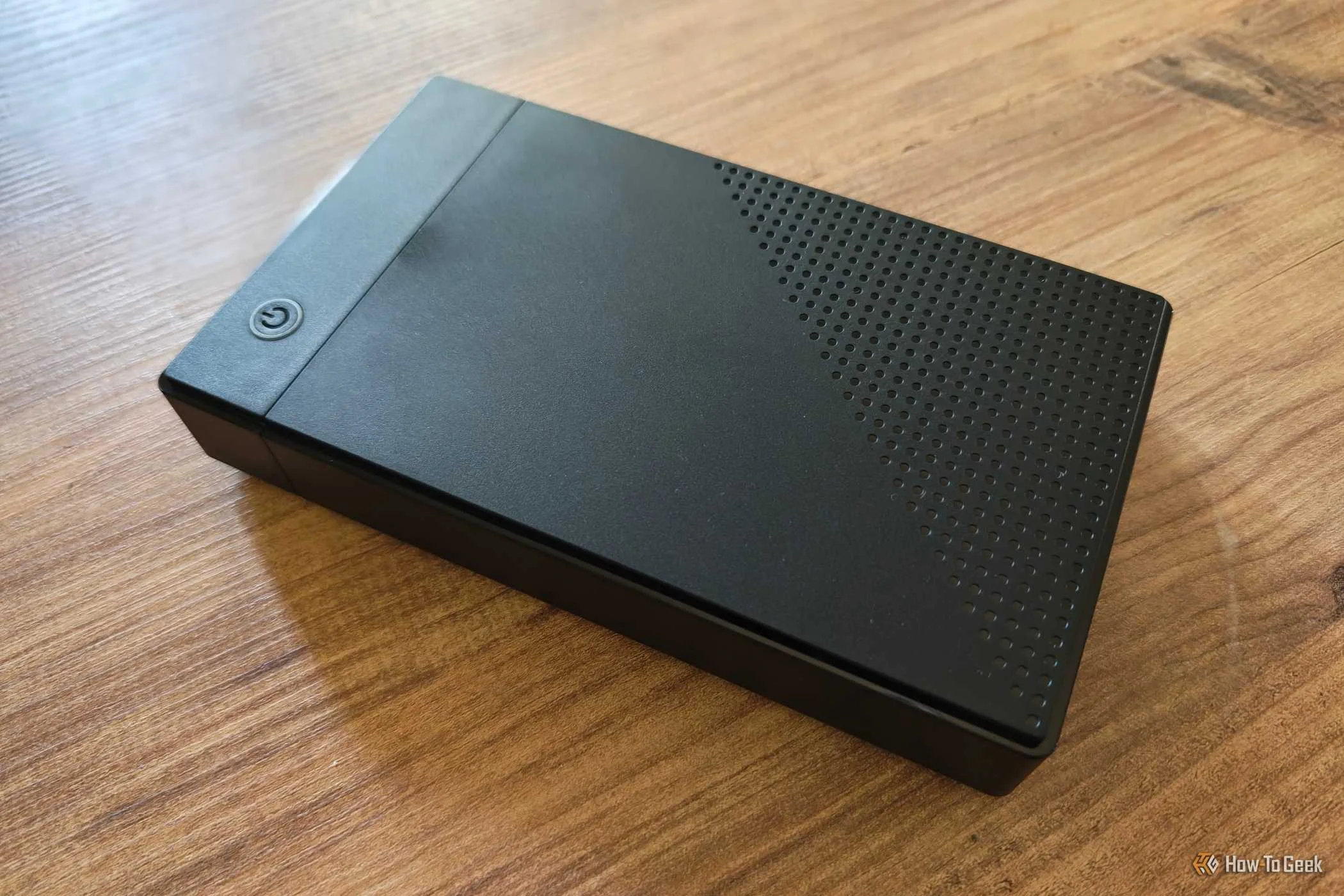
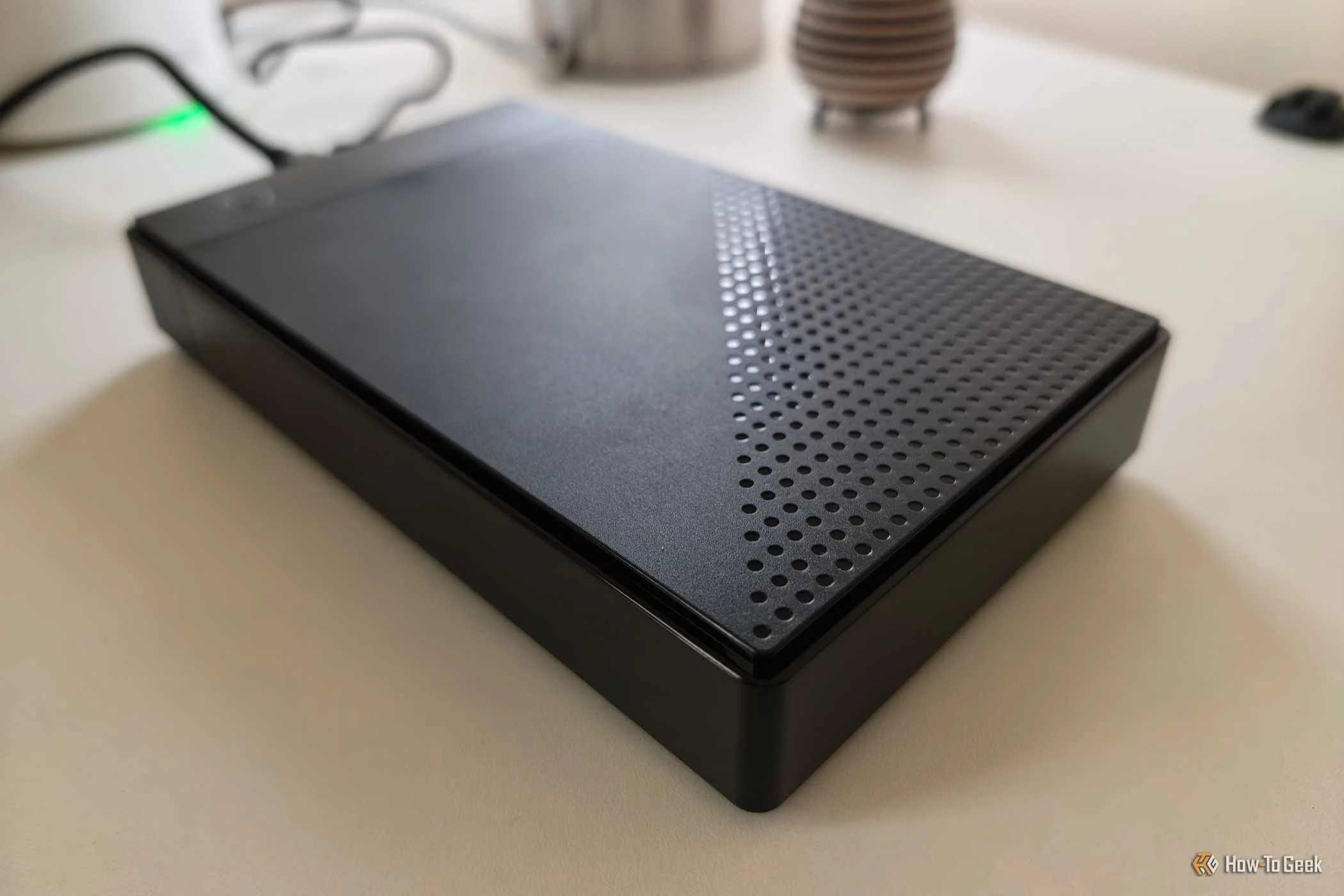
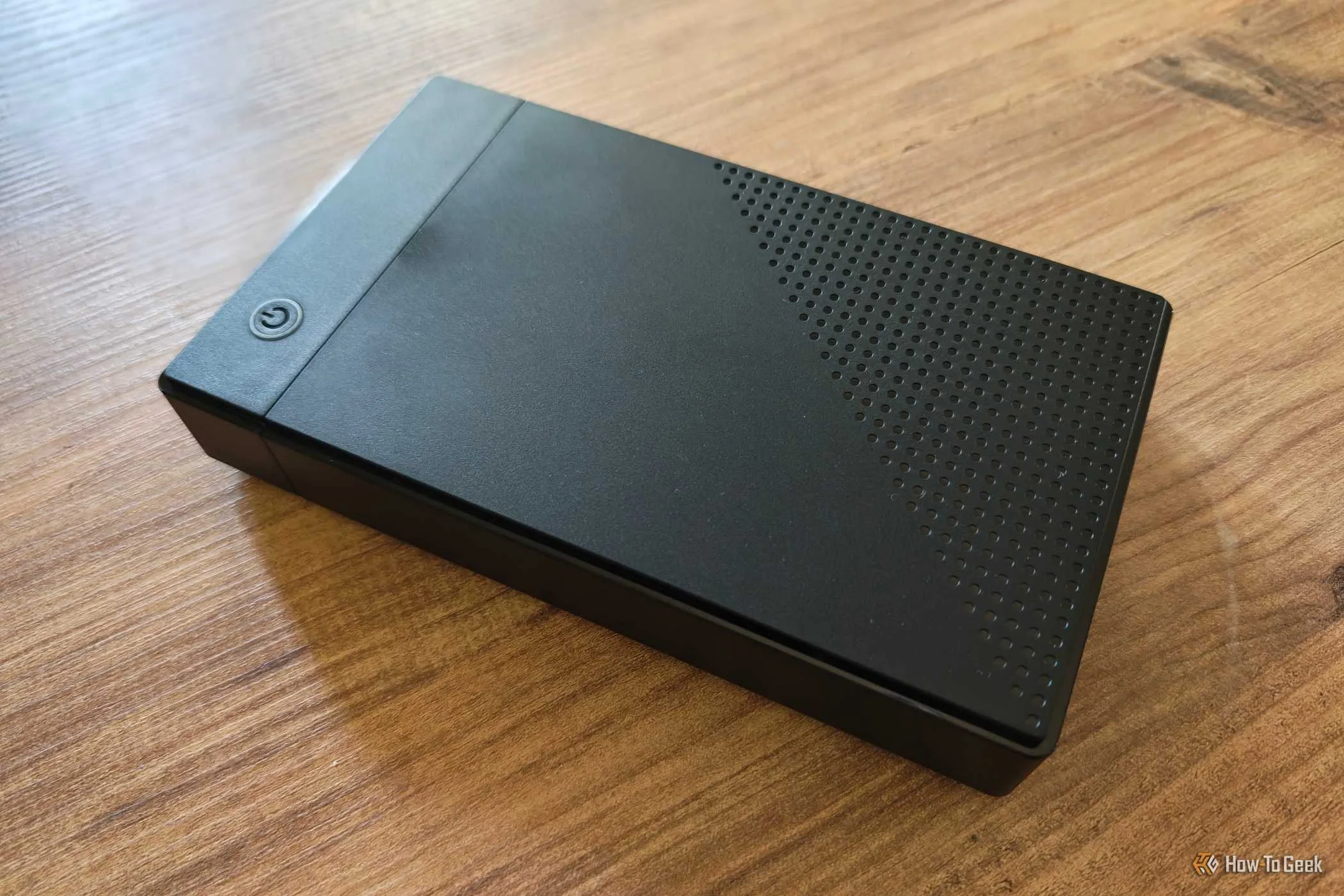
This case is known as an HDD enclosure, and you can find them online for under $20. While internal HDDs aren't significantly cheaper than external ones when buying new, you can expand the savings by shopping second-hand.
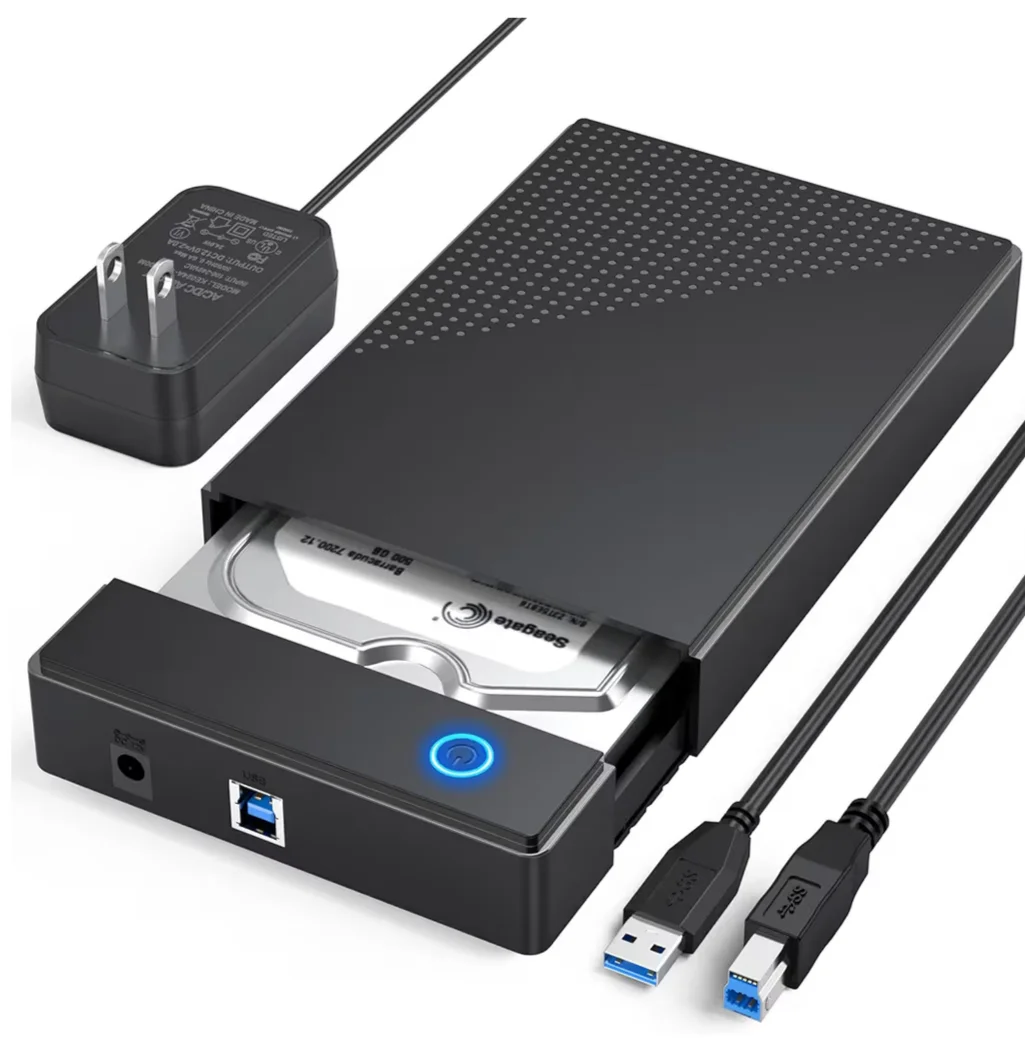
CLAVOOP USB 3.0 HDD Enclosure
- Storage Capacity
- 20TB
- Compatible Devices
- 3.5/2.5-inch SATA
This USB 3.0 enclosure supports both 3.5 and 2.5-inch SATA drives. It can handle up to 20 TB of storage.
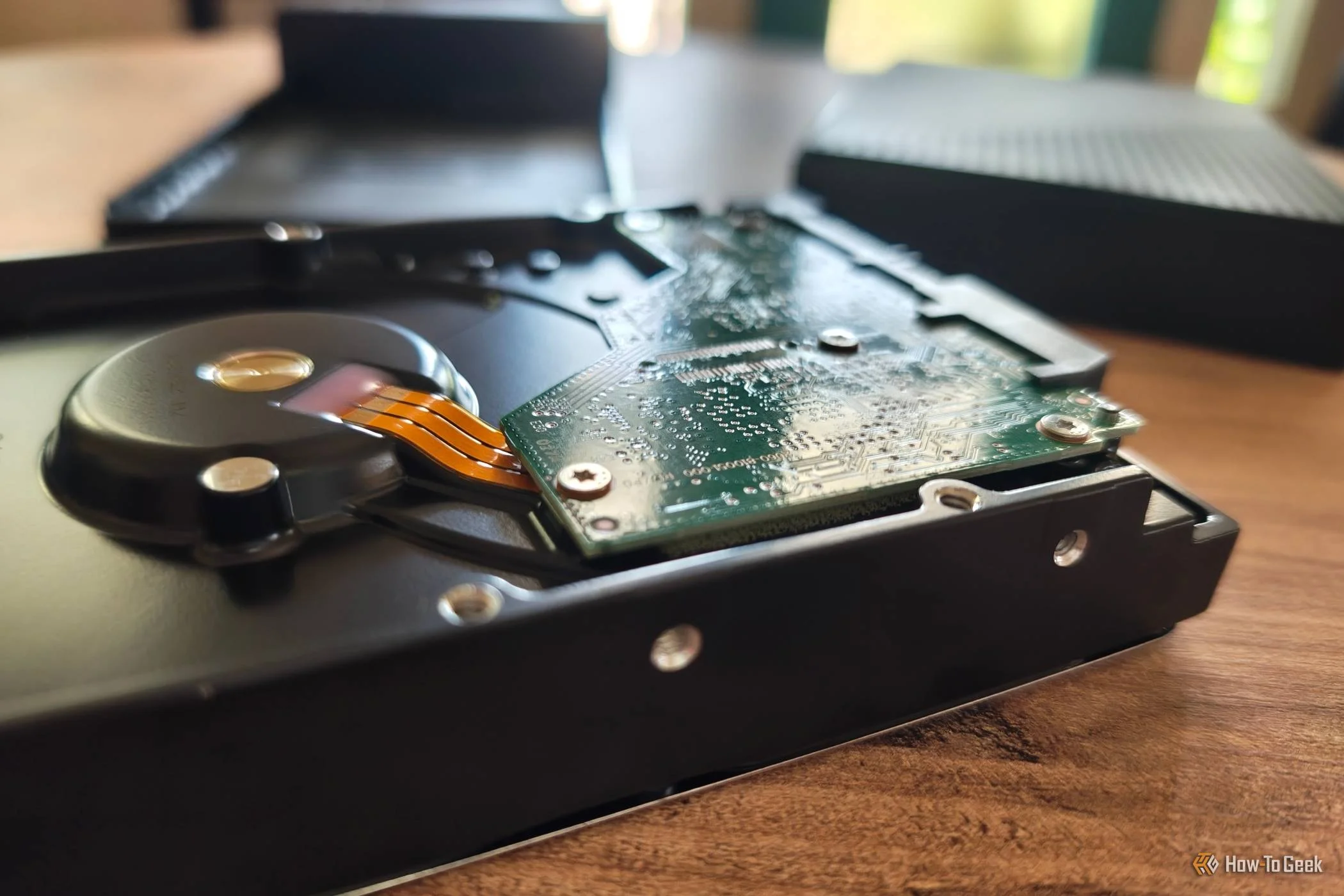
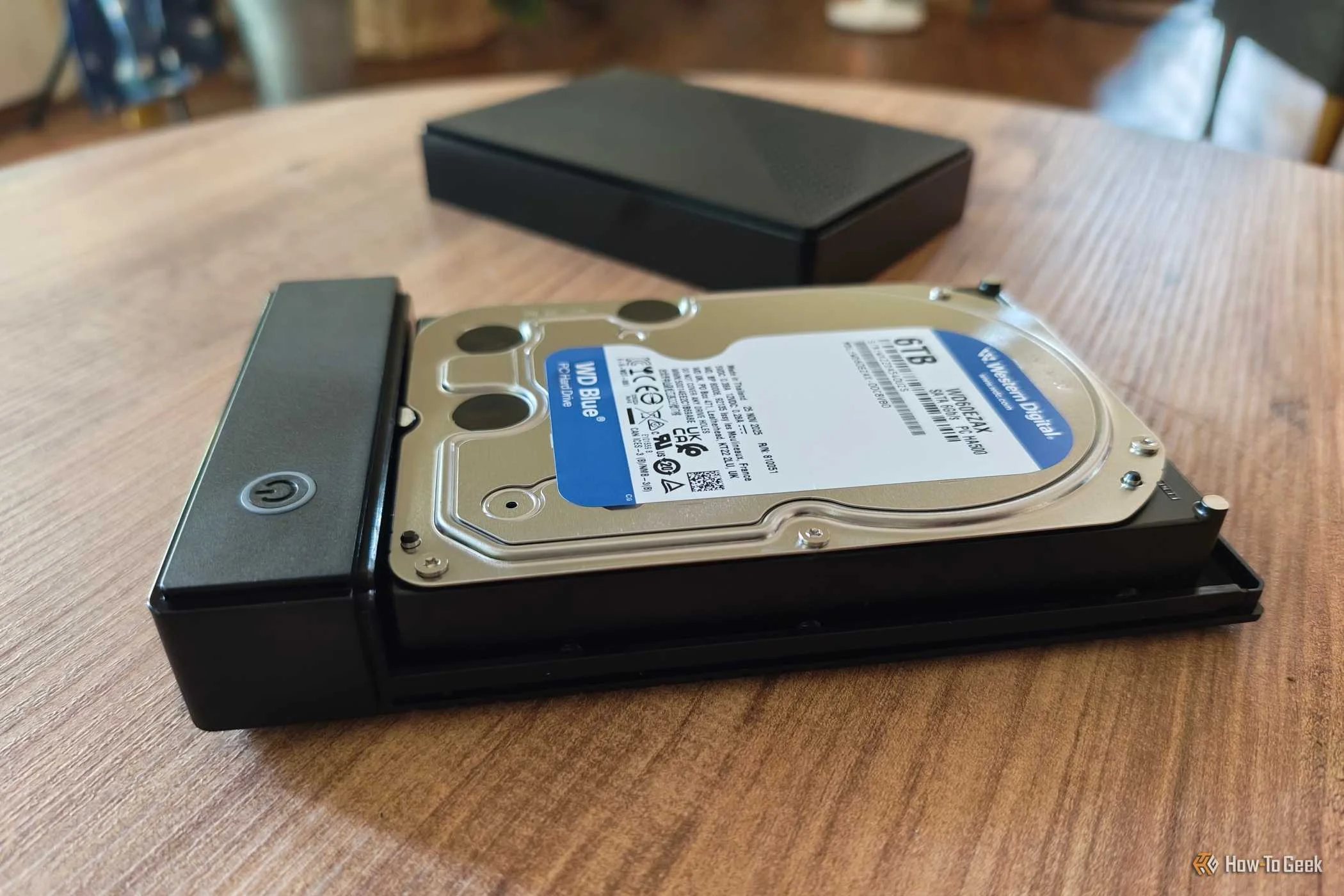
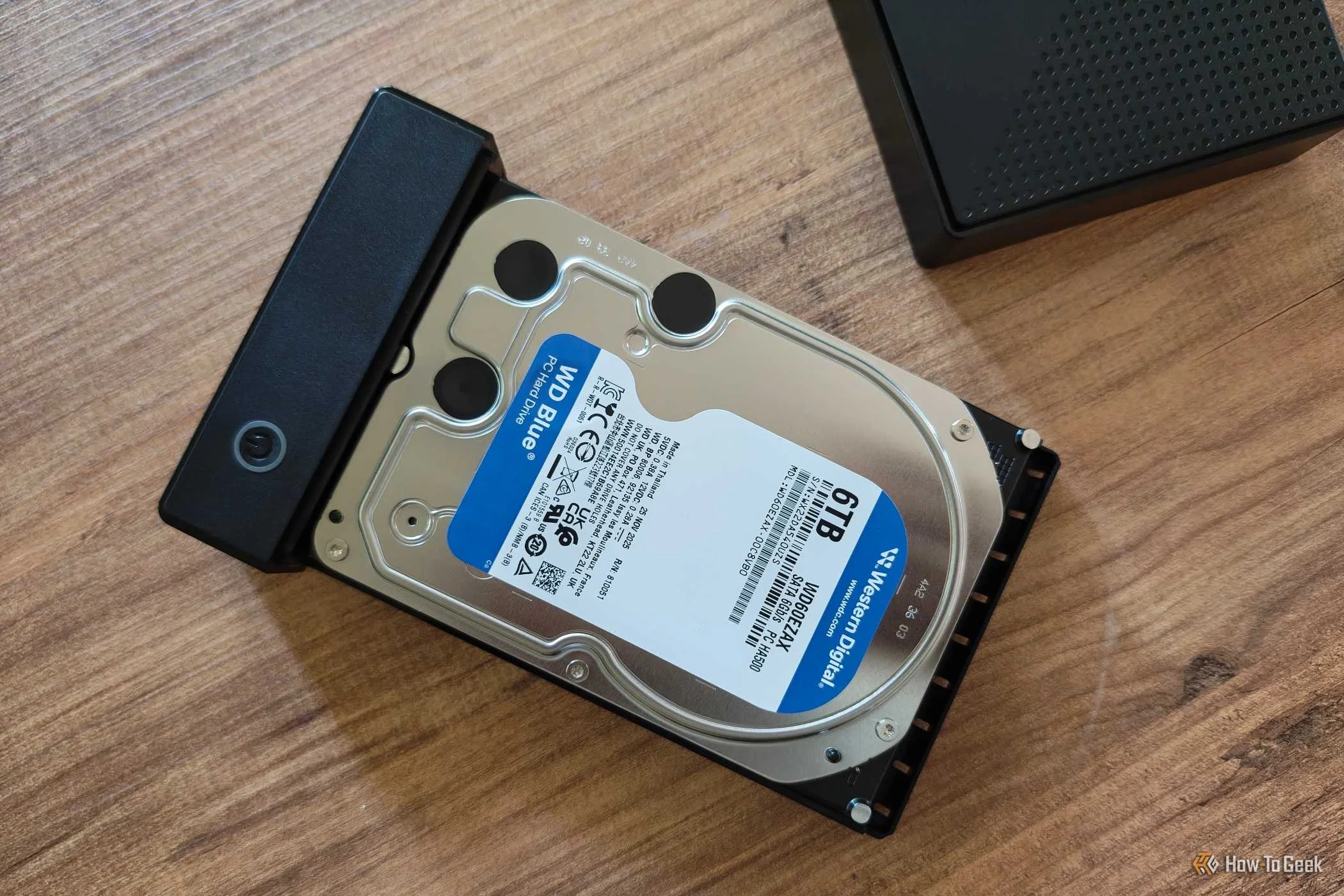
Setting things up is simple. The drive connects to the enclosure using a SATA port, the same kind of connector you would use when installing the hard disk drive into a desktop PC.
I can repurpose drives I already have
Turn existing internal storage into external storage.
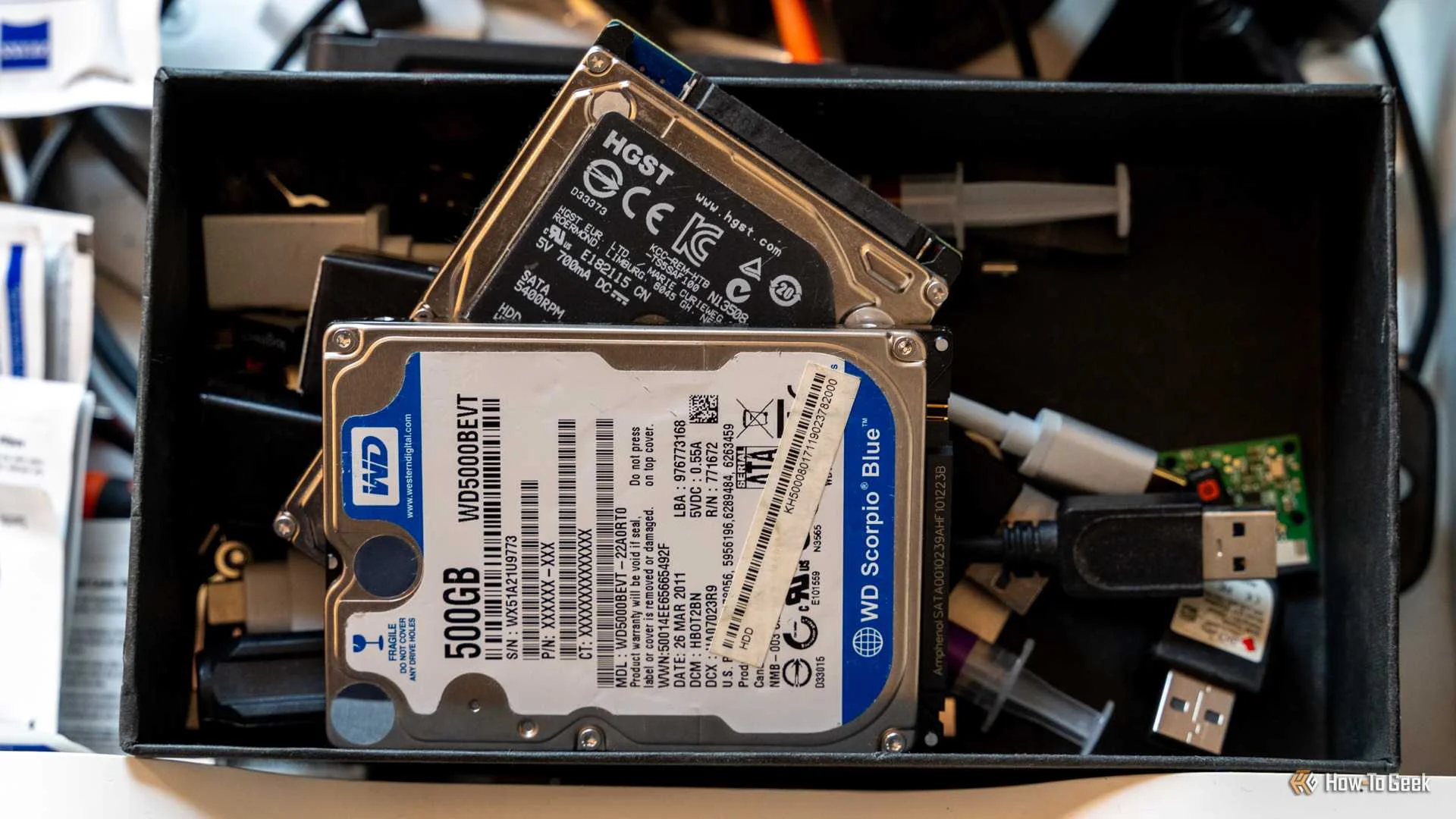
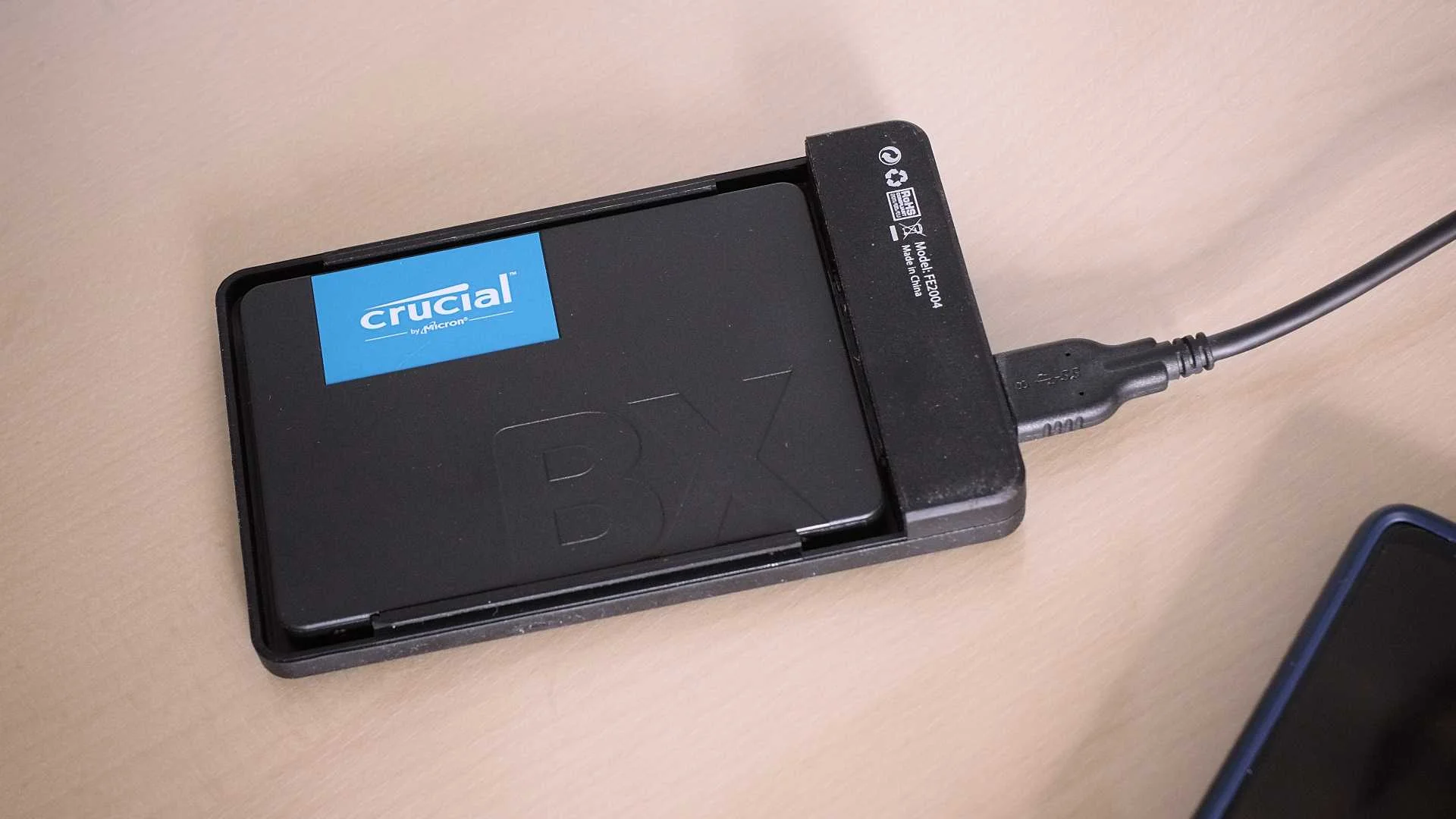
If you've recently replaced the hard drive in your existing desktop, or you have an older desktop that now goes unused, then you have an internal hard drive that can be given a new lease on life. This is an even better way to save money than buying a new internal drive in the first place. I have an internal SSD with 500GB of storage that has been lying in a drawer for years. Since my enclosure supports both 2.5 and 3.5-inch SATA drives, it works just fine.
Of course, hard drives can eventually fail as they get older, so make sure to run some checks when repurposing a drive, especially when working with files you actually care about. Chances are, your hard drive still has plenty of life left in it.
If you don't have drives lying around, you can put out a call to anyone who might. Many of us have less technical friends and family in our lives who have old computers they don't know what to do with. You may not have use for an older CPU, but storage is storage. With an enclosure, your external hard drive becomes less of a product you need to replace and more of one you can upgrade as time goes on.
External storage that I can fix myself
No more falling victim to the most common form of failure
For years, I've exclusively purchased external SSD drives, and it's not necessarily because I need the speed. It's primarily to do with the peace of mind I get from flash storage. I have yet to have an external SSD, or even a flash drive, fail me—yet I've had multiple external hard disk drives stop working over the years.
More often than not, it isn't the actual physical disk inside your external hard drive that has died. Rather, it's a loose USB port or damaged electronics handling the communication.
With an enclosure, this is much less of an issue. Yes, the USB port can still get loose and electronics may still fail, but I can merely swap out the enclosure for a new one if this happens. To move to a new enclosure, all I have to do is disconnect the drive from the SATA port in the old enclosure and connect it to the SATA port in the new one.
When I don't need to buy a new drive, that is a far bigger cost savings than any amount I may have saved upfront. That said, drives do inevitably fail, so make sure to keep an appropriate number of backups.
Storage that comes in a wider range of prices
The external hard drives available in big box stores tend to come in only a handful of sizes from an even smaller number of brands. 2TB, 4TB, and 8TB options are currently quite standard, though some go as high as 22TB. This is good, but internal hard drives are more granular.
If I want a 3TB, 6TB, or 12 TB drive, they're not hard to find. This means that if I want to mirror a 3TB internal drive, I don't need to spend more money buying a larger drive than I need. I wouldn't say anyone is wrong to buy that extra storage, but if you can save $40 by not getting it, it's not worth spending extra on data storage you're quite certain you're not going to use.