The HTML-in-Canvas Concept: A Glimpse into Future Web Development
This article examines the ambitious HTML-in-Canvas proposal—its functionality, potential applications, and hands-on demonstrations that illustrate its capabilities.
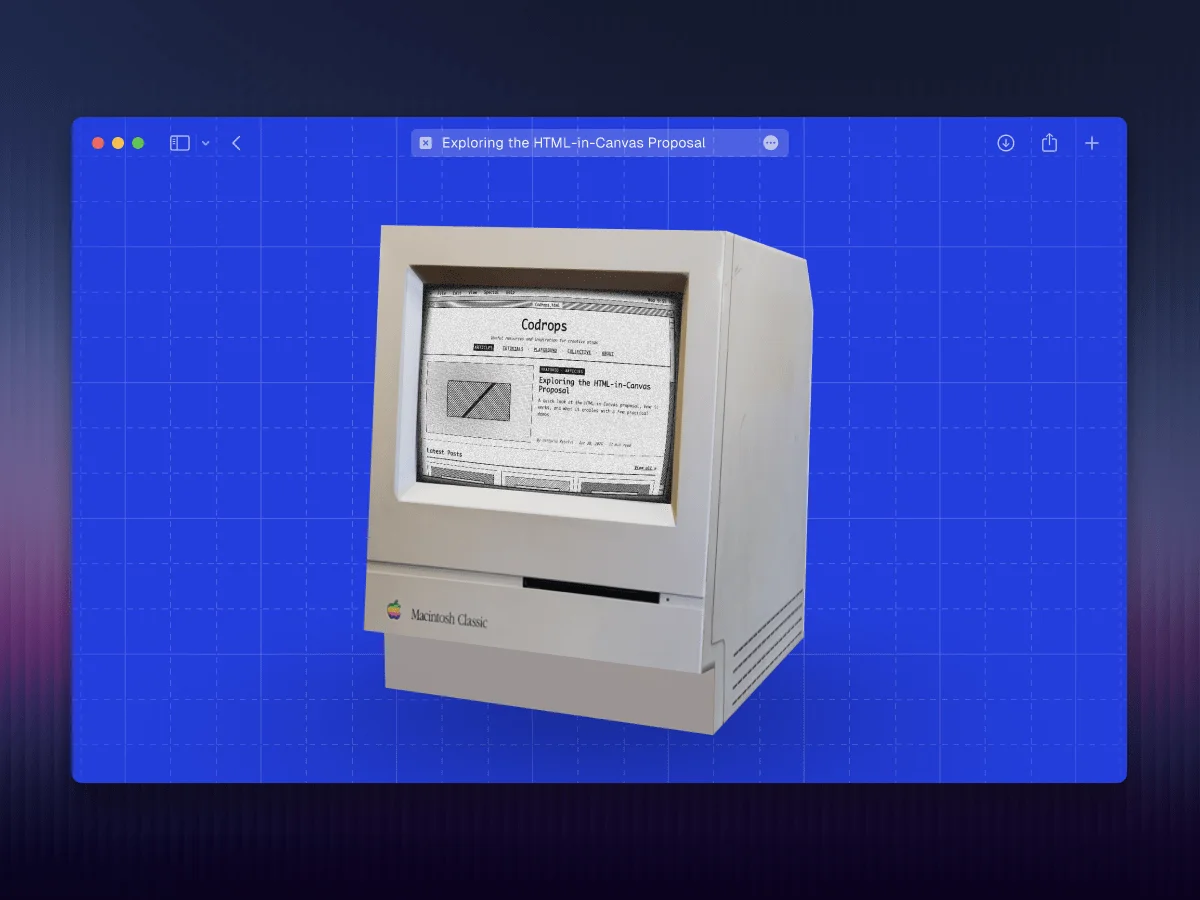
The demonstrations showcased in this article are based around a feature still classified as experimental. To explore this new functionality, activate it by navigating to
chrome://flags/#canvas-draw-elementin any Chromium-based browser. If the flag doesn't show or the demos fail to load, consider trying Chrome Canary.
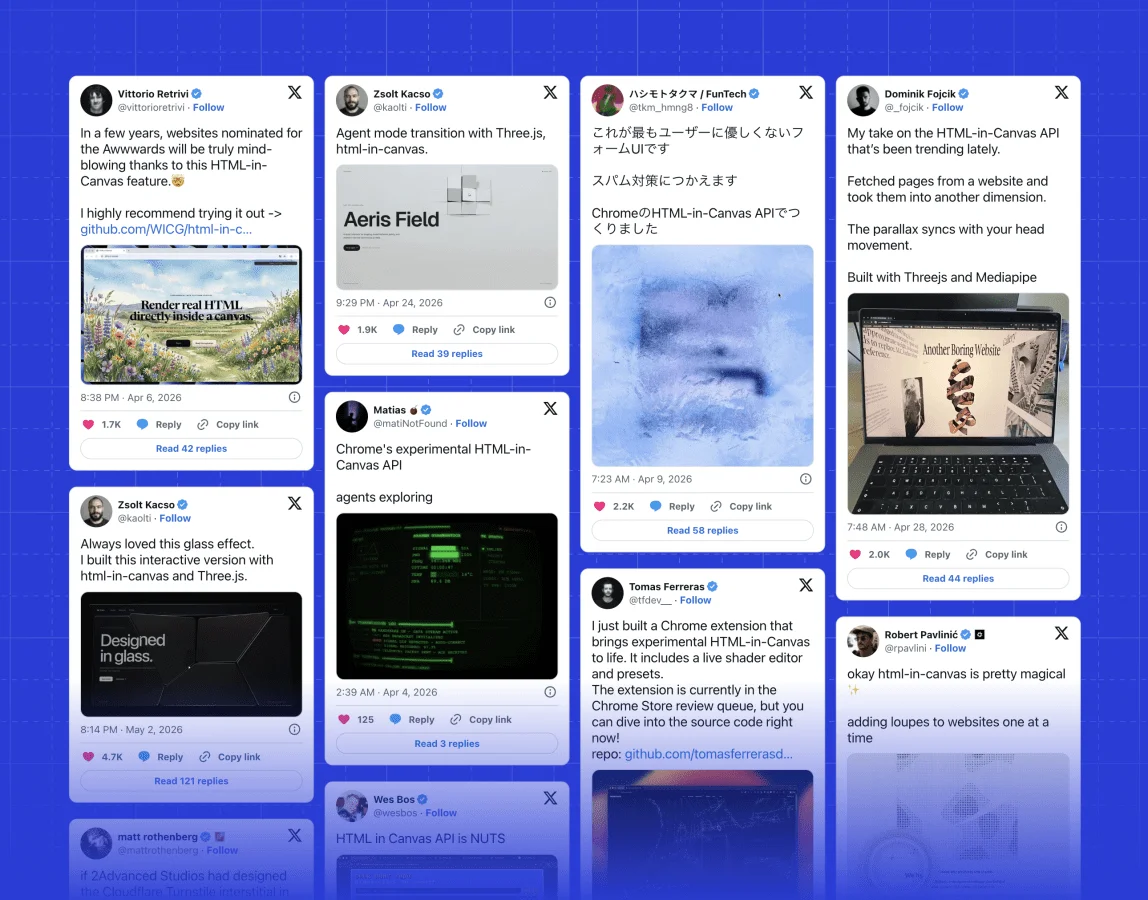
The tech world is buzzing with enthusiasm over the recent HTML-in-Canvas proposal put forth by the Web Incubator Community Group (WICG). This idea merges HTML with Canvas—and frankly, it's about time. I stumbled upon a tweet about it back in 2024, and the concept has stuck with me ever since. Naturally, I couldn't resist exploring it in-depth.
A Divided Web
The web experience has long been a tug-of-war between two distinct domains: the rich, structured elements of HTML versus the pixel-perfect control that comes with using Canvas. Up until now, if you wanted to fuse dynamic and accessible UI features with the flexibility of CSS, you were locked into the DOM. On the flip side, those who sought comprehensive rendering capabilities—think games or intricate 3D visuals—had to venture into the restricted realm of Canvas.
What’s at Stake
The HTML-in-Canvas proposal is tackling this paradox head-on. Imagine <canvas> not just displaying visual assets, but actually rendering real HTML content right inside it. Here’s the kicker: this method retains key attributes of the DOM, such as layout, accessibility standards, and CSS styling nuances.
To pull this off, the proposal outlines three key components:
- A
layoutsubtreeattribute for canvas children, allowing them to participate in DOM layout processes. - A
drawElementImage()function to efficiently render a child element straight onto the canvas. - A
paintevent that triggers when modifications occur to a canvas child.
Here’s a simplified snippet showcasing the API integration:
<canvas layoutsubtree id="source">
  <div id="content">
    {...content}
  </div>
</canvas>
const canvas = document.getElementById("source");
const content = document.getElementById("content");
const ctx = canvas.getContext("2d");
canvas.onpaint = () => {
ctx.reset();
ctx.drawElementImage(content, 0, 0);
};
canvas.requestPaint();Currently, this capability is still under a flag; active it at
chrome://flags/#canvas-draw-elementin a Chromium browser. If it doesn’t pop up or the demos are dysfunctional, switching to Chrome Canary may be your best bet.
Due to security considerations, there are restrictions on what content can be inserted into the canvas. Fortunately, these limitations are less severe than those found in alternative methods discussed earlier. Review the full specifications for a detailed understanding, especially the section on privacy-preserving painting.
Practical Illustrations
Diving into the proposal's capabilities, I envisioned its implications for web development. This isn't just about cool visuals; it represents entirely new use cases on the horizon. I categorized my findings into four primary themes.
1. Basic Rendering with Post-processing Effects
The feature's core allows you to effortlessly draw CSS-styled, accessible content straight onto a canvas. Consider a scenario where this canvas can be used as a texture for shaders in a graphics application. My initial demo implements this premise using React Three Fiber and other shader integration frameworks.
Now envision designing a stunning hero section for your site, layering visually striking post-processing effects while ensuring that your content stays SEO-friendly and accessible to web crawlers. The content remains intact in the DOM while simply rendered elsewhere.
Notes & References:
The enchanting fluid effect leverages this GitHub project.
The rain effect derives from a Shadertoy example, and the pixelation effect utilizes React Postprocessing.
2. Subtle UI Enhancements
Not every application needs sweeping, full-screen effects. Some of these enhancements might risk undermining the accessibility we've just established. One intriguing use for HTML-in-Canvas focuses on bringing subtle yet captivating effects into user interfaces—things previously tough or impossible to execute without compromising performance.
Take the concept of a vanishing input example conceptualized by Rauno, where text elegantly fades when the Enter key is pressed. By previously using a concealed canvas atop the input, it was plausible to achieve this effect. However, with HTML-in-Canvas, the input can directly appear in the canvas itself, eliminating the need for tricks.
Another noteworthy demonstration comes from Matt Rothenberg, illustrating an interaction with an engaging wow effect that enhances the user's submission experience.
3. Smooth Transitions
Transition effects between content sections or pages stand as another promising application for HTML-in-Canvas. I explored this through a demo that features a curling animation reminiscent of the classic iBook page transitions—an effortless feat in modern web development.
Building upon this, check out another experiment where the user experience is enhanced during the login process through visually captivating reveals (see here).
4. Integrating 2D UIs in 3D Spaces
Creating 2D interfaces for 3D environments is notoriously fiddly. The lack of full CSS capabilities can often hinder visual design, forcing everything to be treated at the shader level. But HTML-in-Canvas opens robust pathways.
For instance, imagine a scenario where a 3D model of a computer screen requires an interactive interface. The feasible option is to use the HTML component from Drei with React and React Three Fiber. While this approach can produce results, it often feels more like a layer on top of the scene than an integrated part.
In practical application, like when we developed the arcade scene for basement.studio, the solution called for a combination of accessible components and layout capabilities, which we achieved through uikit. This allowed rendering the UI directly into a render target with applied fragment shaders, culminating in a practical demonstration (check it out).
However, opportunities have expanded further. HTML-in-Canvas allows for an enriched experience, leveraging full HTML and CSS capabilities while also tying in the advantages of this proposal. A case in point: the creator of Three.js has already made strides with this concept, integrating HTMLTexture in release 184. This addition not only renders live HTML but merges it with interaction solutions in a seamless manner.
This significant enhancement introduces an InteractionManager tailored to manage hit-testing and interactiveness naturally—no need for involved raycasting methods anymore. This is a notable pivot for developers. Here’s a simple demo that actually utilizes this incorporation.
The underlying code for this demonstration employs a straightforward approach:
import "./styles.css";

import { Footer } from "@/components/layout/footer";
import { Header } from "@/components/layout/header";
import { GridBackground } from "@/components/ui/grid-background";

import { ComputerScreen } from "./components/computer-screen";
import { Scene } from "./components/scene";

const BasicUI = () => (
  <>
    <Header />
    <GridBackground className="bg-codrops" />
    <ComputerScreen />
    <Scene />
    <Footer />
  </>
);

export default BasicUI;
Pay attention to the components: <ComputerScreen /> and <Scene />. The former houses the HTML-rendered content directly, while the latter orchestrates the display, reinforcing the ease of use showcased by this proposal.
Final Thoughts
When examining the notion of HTML-in-Canvas, it strikes me as a logical evolution that seems long overdue. This isn't just a casual enhancement; it signifies a growing synergy between the traditional Document Object Model (DOM) and canvas-based rendering, which could redefine how developers create interactive experiences. Yes, we’re still in the experimental phase, and widespread browser support is a few steps away. But if this trend solidifies, it could eliminate the old dichotomy that forces us to choose between DOM-based rendering and canvas techniques. Instead of viewing these as separate entities, they could be part of a more integrated rendering strategy. If you're navigating the fields of web gaming, VR/AR, or interactive media, keep an eye on these developments. The integration of HTML directly within the rendering process could streamline workflows, making it easier to craft rich, immersive interfaces. While there will undoubtedly be challenges—think performance issues, compatibility hurdles, and the ongoing need for fallback strategies—this shift holds significant promise. In short, the prospects of HTML-in-Canvas are not just technical; they could reshape our entire approach to building interactive experiences. As the community explores workarounds like html2canvas and SVG's<foreignObject>, we’re likely to see innovative solutions emerge that could leverage this new paradigm effectively.
In a landscape where user engagement is paramount, this movement has the potential to deepen that engagement significantly. So, while we're still in the early days, the implications are clear: the way we design and interact with web experiences may soon evolve in ways we’re only beginning to imagine.